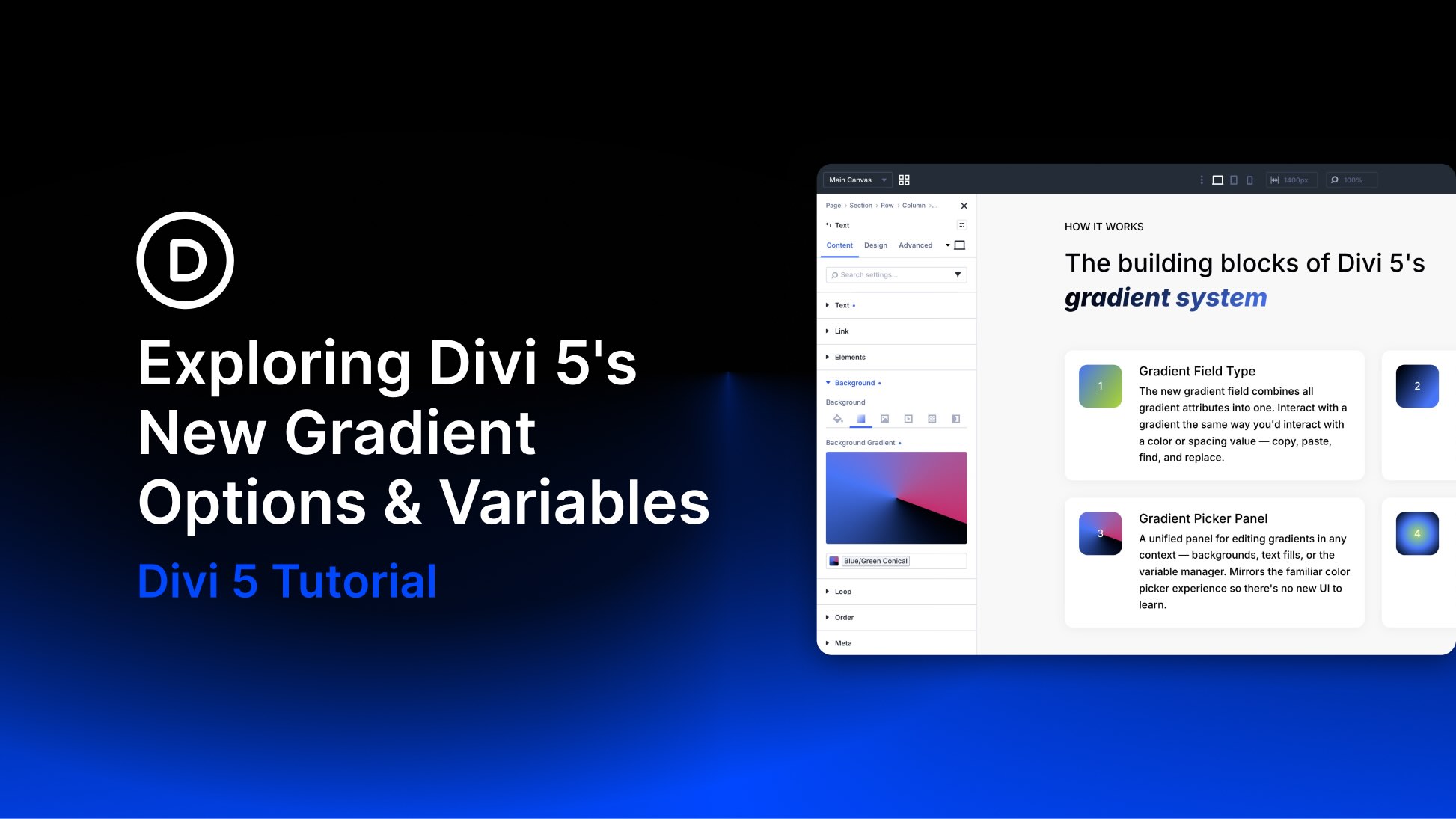
Gradients can do more than add decoration. Used well, they create depth, guide attention, connect brand colors, and make backgrounds, buttons, overlays, and text feel more intentional.
Divi 5 makes gradients easier to create and manage with its new Gradient Editor, Gradient Variables, and Text Effect settings. Gradients now live inside a unified field, open in a cleaner Gradient Picker, and can be saved as reusable variables.
In this post, we’ll walk through what changed, how the new Gradient Picker works, how to create Gradient Variables, and how to use gradient fills, image fills, and text strokes on text elements.
What Changed With Gradients In Divi 5?
Divi 5’s gradient update focuses on three connected improvements.
- Unified Gradient Field: Gradient settings are stored together as one complete design value, making gradients easier to copy, paste, extend, inspect, and replace.
- Gradient Picker Panel: Gradient controls now live in a single panel with a live preview, color stops, gradient type, direction, position, and variable access.
- Gradient Variables: Gradients can be saved in the Variable Manager and reused across your site.
- Text Effects: Text option groups now support gradient fills, image fills, and text strokes.
Together, these updates turn gradients into reusable design-system values instead of one-off background styles.