
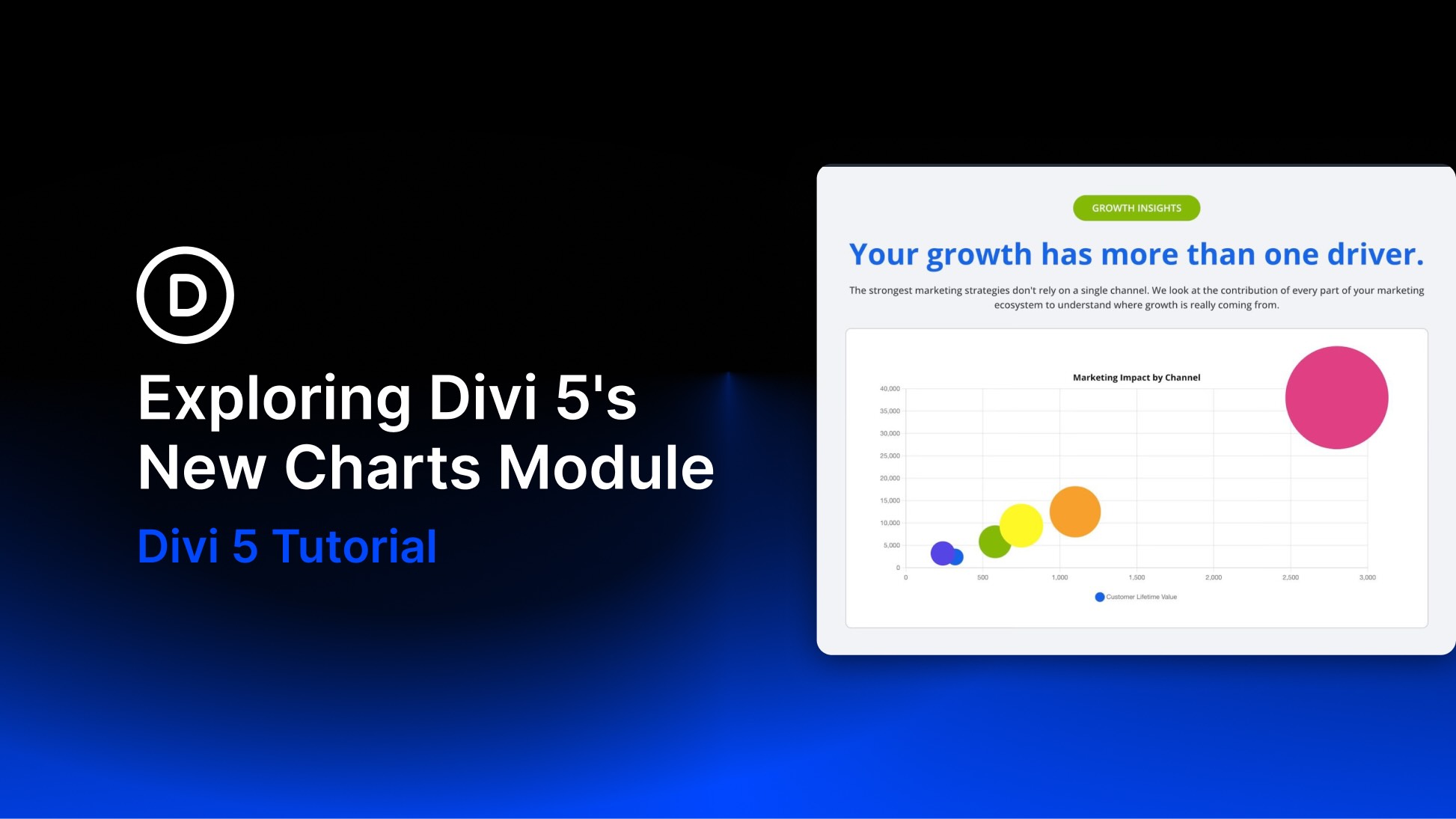
Divi 5 continues to expand its native module library. One of its newest additions is the Charts Module, released alongside the Gravity Forms, Imagely, and Payment Button modules. It turns raw data into interactive charts without relying on a third-party chart plugin, shortcode, or static screenshot.
You can choose from nine chart types and manage their data through a new tabular editor inside the Visual Builder. You can enter values directly or populate the chart by uploading a CSV file, then style the result with Divi 5’s design controls.
In this post, we’ll explore the available chart types, data tools, and design options before walking through how to create and customize a chart in Divi 5.


