
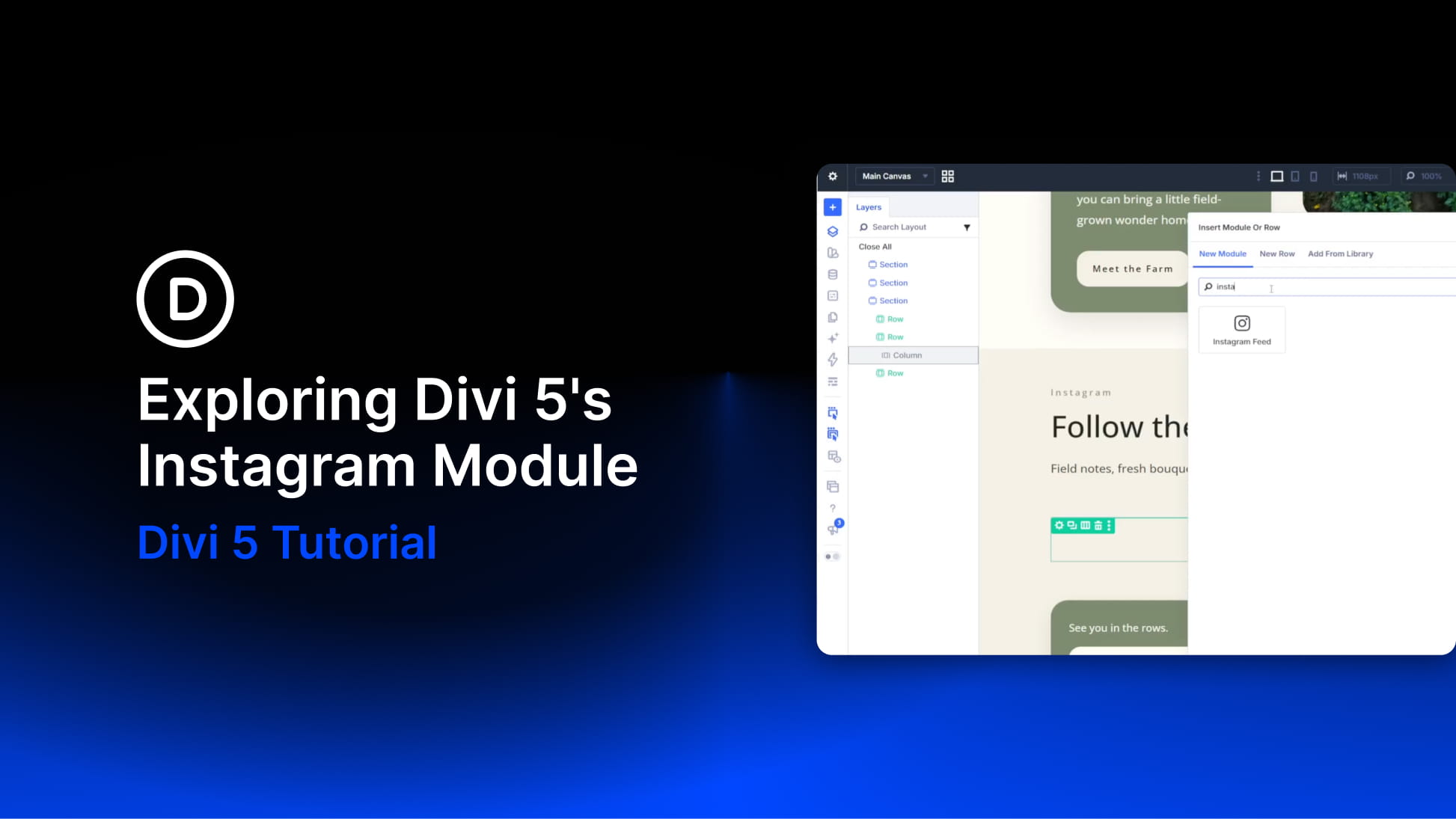
The Instagram Feed Module brings Instagram galleries directly into Divi 5. Connect an account, choose how many posts to display, and style the resulting feed directly inside the Visual Builder.
One of the module’s biggest advantages is how deeply it connects with Divi 5’s newer image tools. Instagram feeds naturally mix square, portrait, and landscape media, but Aspect Ratio and Framing let you give those posts a consistent shape without editing the original images. You can define the frame, control how each image fills it, reposition the crop, and reuse that treatment with Image Option Group Presets.
The rest of the feed follows the same principle. Feed and Item controls shape the gallery itself, the Follow button uses Divi’s familiar Button settings, and the module can be styled as part of the same design system as the page around it.


