
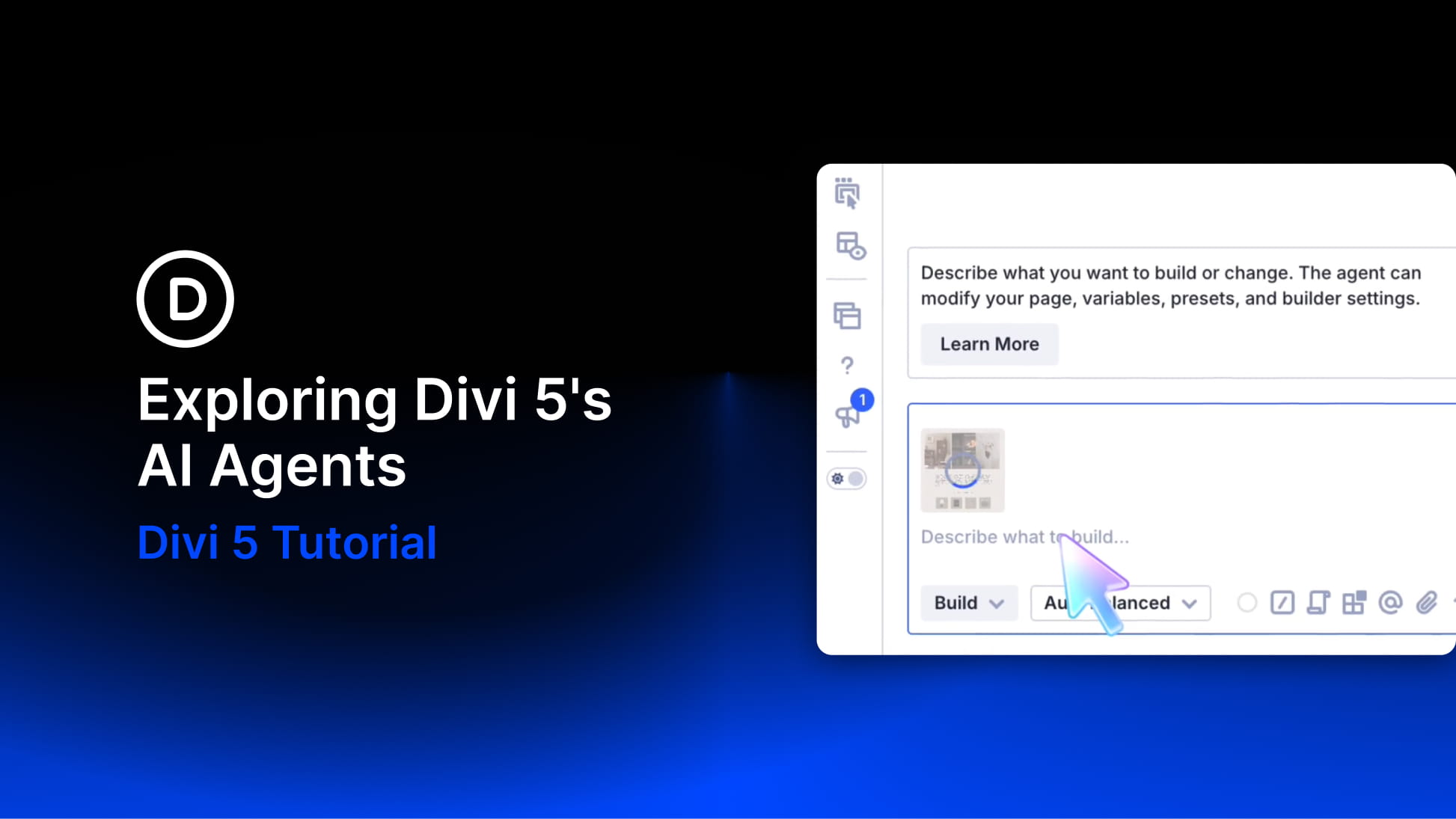
Divi AI agents let you build and edit websites through conversation. Available inside Divi 5, they work alongside your page in the Visual Builder and can make changes to the layout while you watch.
Paste in a screenshot of a page you like and ask for a similar layout. The agent builds with sections, rows, and modules you can open, restyle, and keep editing by hand. The new feature uses Divi-specific tools to work with the builder’s structure and settings. It also supports selected WordPress tasks outside the builder, such as managing pages, posts, and menus.
That gives you several ways to use it: creating a first draft, updating an existing page, organizing styles, or getting help with a Divi setting. In this post, we’ll connect a site and explore these workflows, along with the controls that help you guide and review the work.
Where To Find Divi AI agents
Open a page in the Visual Builder and look at the left sidebar. Click the agent icon to open the chat panel beside your page. Before sending your first request, you’ll need to connect your account and have an available agent balance.
Access is included with Divi AI and Divi Pro, so an existing Pro subscription gives you access to Divi AI agents. Agent requests use a metered balance, which we’ll look at below.


