
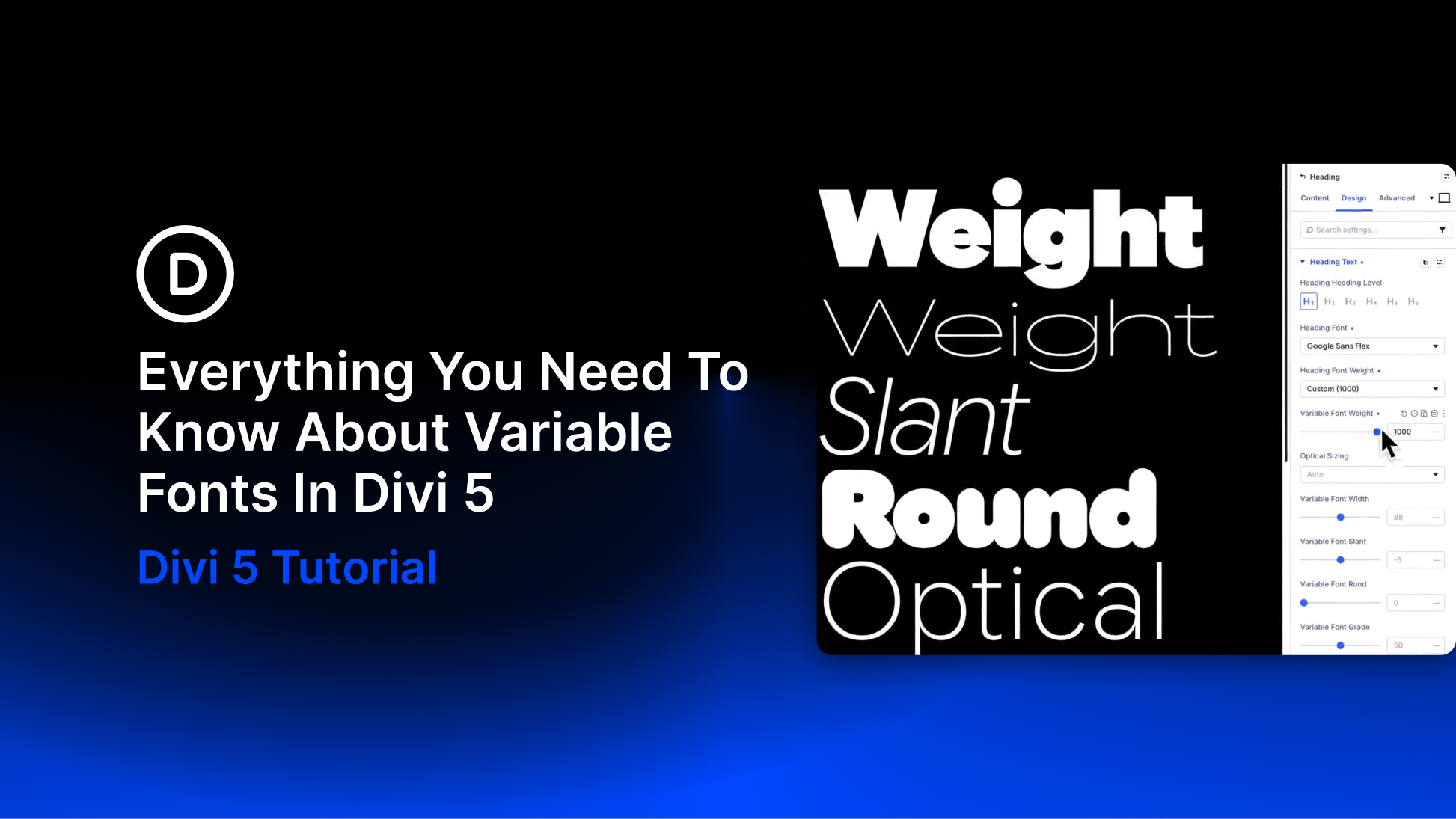
Variable fonts have been around for years, but most page builders still treat them like static fonts. You get a font picker, a weight dropdown, and maybe an italic toggle. The deeper controls these fonts are built for never make it into the visual workflow.
Those deeper controls are what make variable fonts worth using. A variable font can give you continuous control over weight, width, slant, optical size, grade, roundness, shape, and other axes depending on the typeface. Instead of choosing from a few fixed styles, you can fine-tune the font to fit the exact size, layout, and mood of the design.
Divi 5’s Variable Fonts update brings those controls into the Visual Builder. When you choose a supported Google variable font, Divi reads the font’s available axes and displays the matching controls in the relevant text option group. No custom CSS. No guessing which axes the font supports. No limiting a variable font to a basic weight dropdown.
In this guide, we’ll look at what variable fonts are, how they work in Divi 5, which controls you may see, how to use Font Variables, and how the new text styling options released alongside variable fonts give you more control over typography across your site.
What Are Variable Fonts?
Traditional fonts work like a menu. You get a fixed set of styles, such as Regular, Medium, Bold, and Italic, and each style usually exists as its own font file. If the exact style you want is not available, you either choose the closest one or fake the effect with browser rendering.