
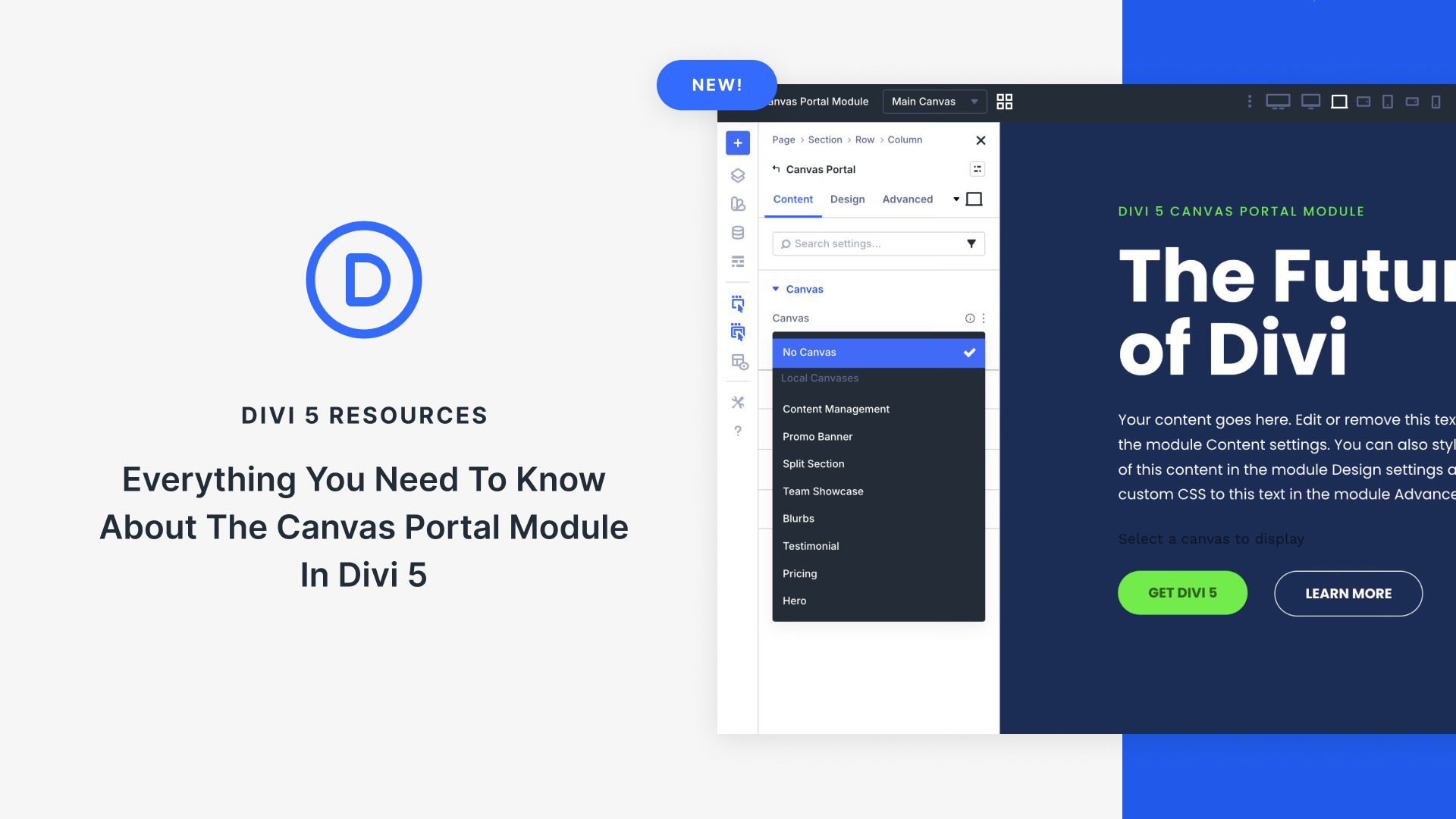
In modern web design, off-canvas design elements such as mega menus, slide-in sidebars, and interactive pop-ups are essential for creating engaging, user-friendly experiences without overwhelming the main layout. Divi 5’s Canvas system is a powerful new feature that lets you create off-canvas designs, manage them with ease, and place them anywhere in your layouts via the Canvas Portal Module.
In this post, we’ll cover what the Canvas Portal Module is, how to use it, and its key benefits to help you master this new feature in Divi 5.
What Are Divi 5 Canvases?
Divi 5 Canvases introduce separate, detached workspaces within the Visual Builder, completely detached from your main page content. These canvases serve as dedicated areas for building and organizing off-canvas elements, keeping your primary layout clean and uncluttered during editing.


