
A spacing system becomes easier to maintain when its values have a clear relationship. A panel might need twice your standard padding, while the gaps between its contents need half that amount. Nested variables let you keep those relationships connected in Divi 5.
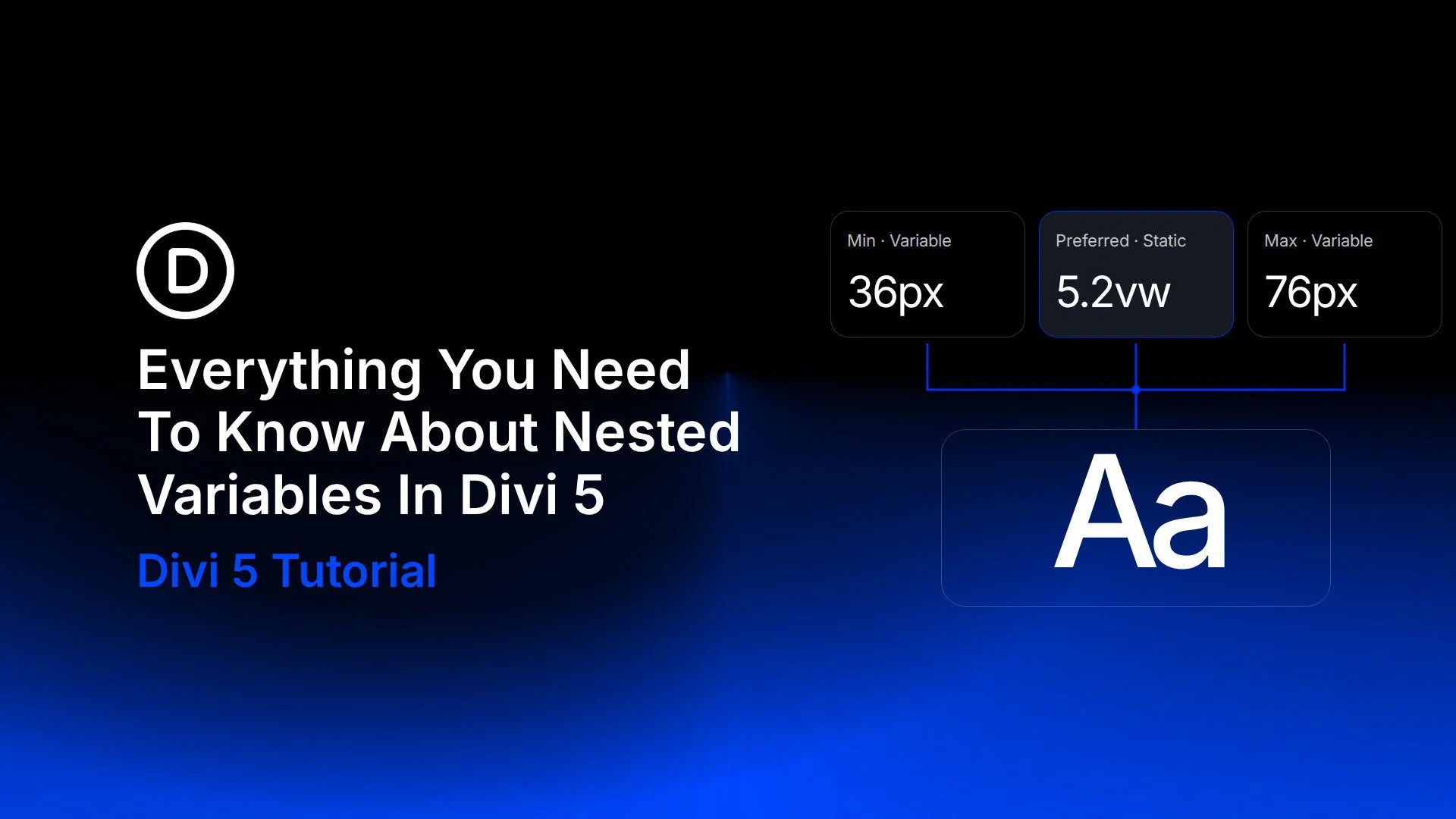
You can also build a fluid heading size from shared limits or assemble reusable text from smaller pieces. We’ll use a workshop layout to explore each approach and show what happens when a source value changes.
What Are Nested Variables In Divi 5?
A nested variable contains a reference to another variable within its value. The source holds the original information; the variable that references it adds a relationship or combines it with other content.
For example, a number variable named Base Space can hold 24px. A second variable, Panel Padding, can reference Base Space and multiply it by 2. Panel Padding then produces 48px wherever you apply it. Change Base Space to 32px, and that padding becomes 64px.
The distinction is where you store the relationship:
- Use a source variable directly when several settings should share the same value.
- Use variable math in a setting when a calculation belongs to that particular field.
- Create a nested variable when you want to name and reuse the calculated or combined value.
Our nested variables, variable math, and variable combinations update brings these workflows together. The examples below focus on number and text variables, using a single layout so their effects are easy to follow.