
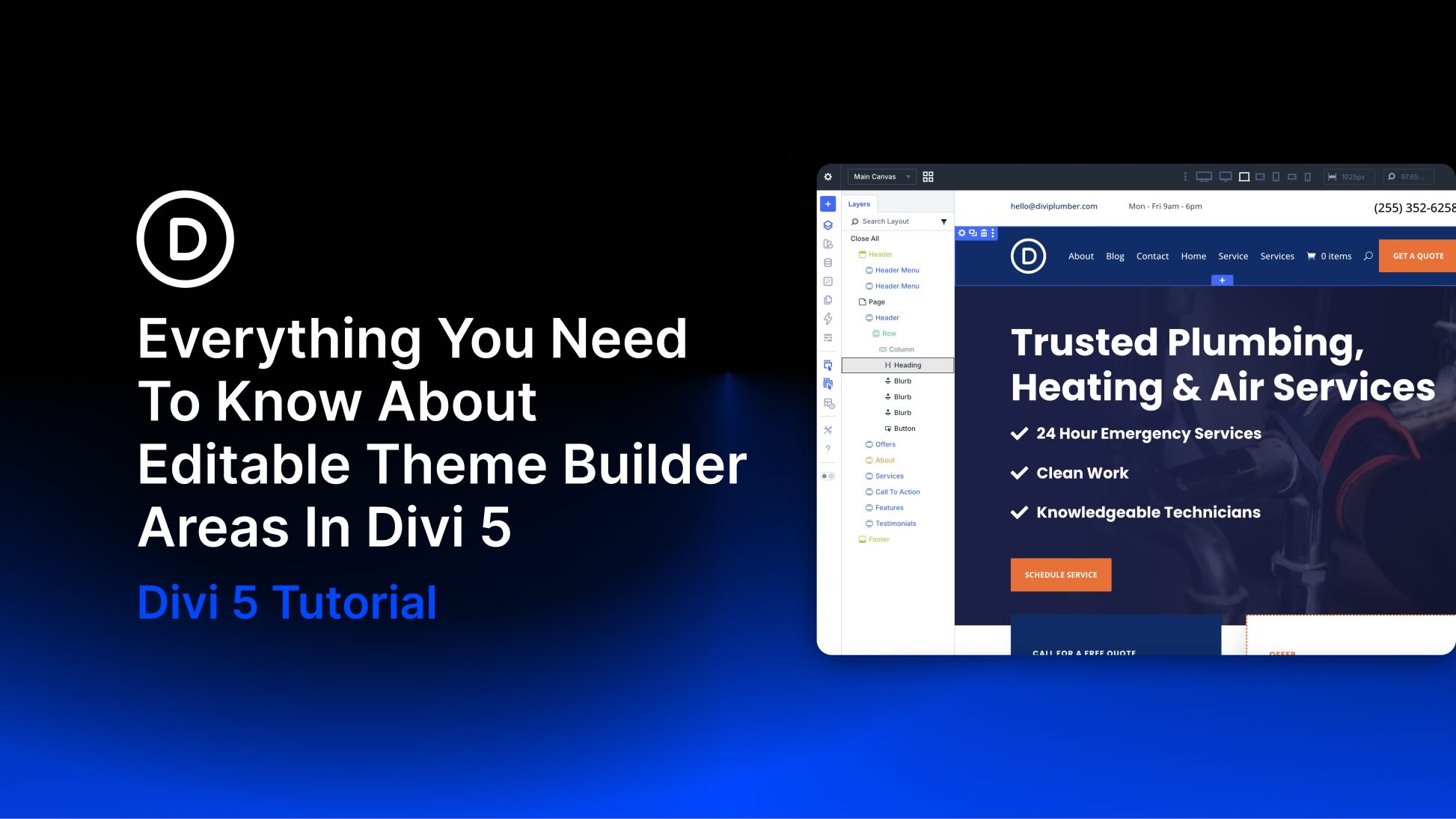
Divi 5 is now available, bringing a rebuilt foundation focused on performance, a modernized builder experience, and a growing list of new features. One of the latest additions is Editable Theme Builder Areas, also referred to as complete site editing. Instead of leaving the Visual Builder to open the Theme Builder separately, you can now edit the active header, footer, and body template areas directly on the front end while working on the page itself.
This creates a smoother workflow because the global template areas assigned to the page you’re viewing appear inside the same editing session. You can update site-wide elements and page-level content side by side, with less context switching and faster visual feedback.
In this post, we’ll walk through what Editable Theme Builder Areas are, how to use them, and a few practical ways to work with them more efficiently.
What Are Theme Builder Areas In Divi 5?
Divi has always been more than a page builder. It also gives you control over structural parts of your WordPress website, including headers, footers, post templates, product templates, category templates, and other dynamic layouts.


