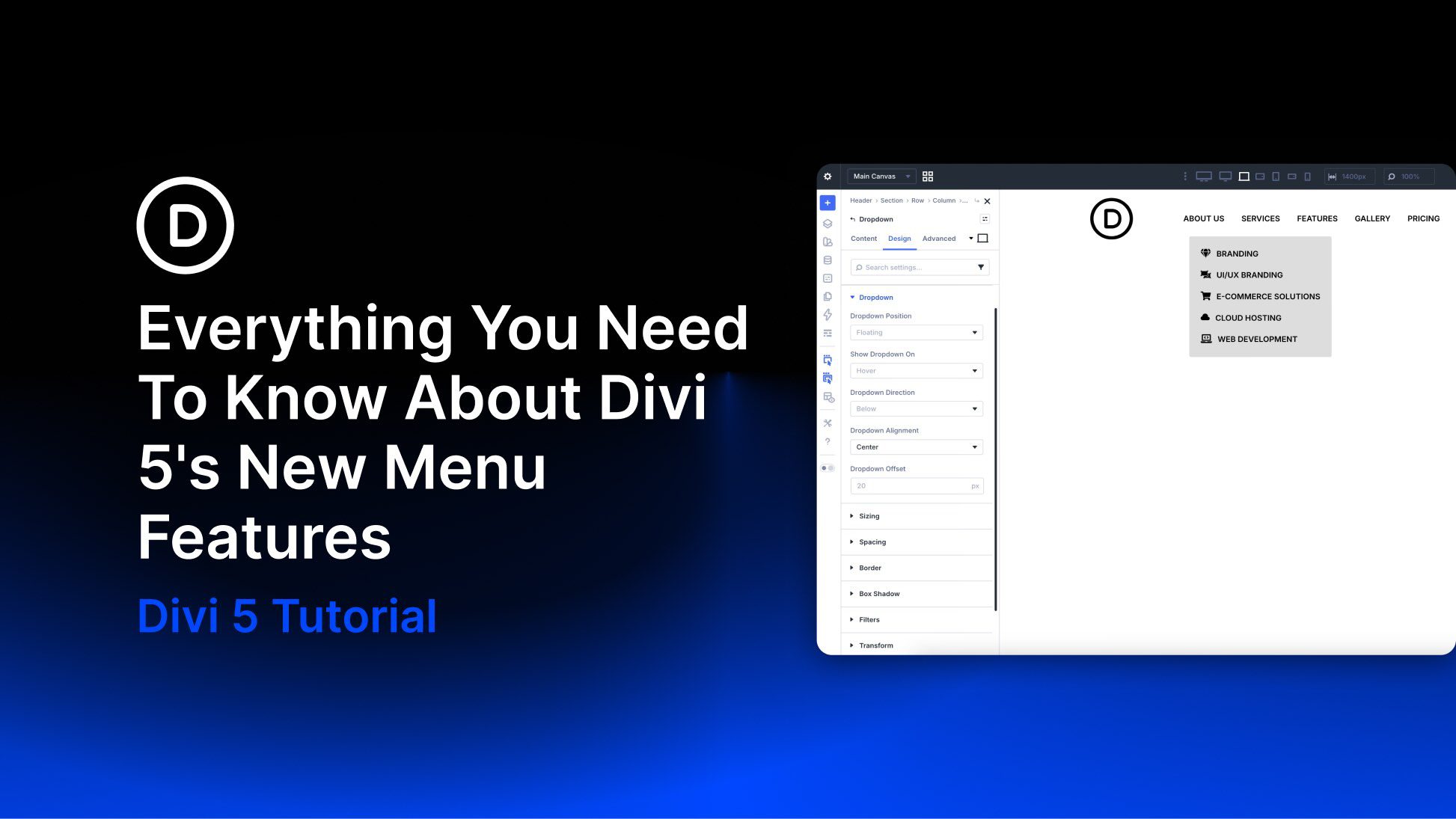
Divi has evolved into a modular, performance-focused platform with a more streamlined builder, a rebuilt framework, and ongoing feature releases. As Divi 5 development continues, new features are being rolled out regularly. One recent update introduced new menu features that let you build navigation directly inside the Visual Builder, without plugins or custom CSS.
The classic Menu module is still available for simple setups, while the new Link and Dropdown modules act as building blocks for fully custom menus. Paired with updated Loop Builder capabilities and selector-based Interactions, they let you design everything from simple dropdowns to full-screen overlays, slide-ins, and mega menus using native Divi 5 modules and settings.
In this post, we’ll look at these new features, walk through creating a simple desktop and mobile menu with them, and share a few practical tips to help you get started.