
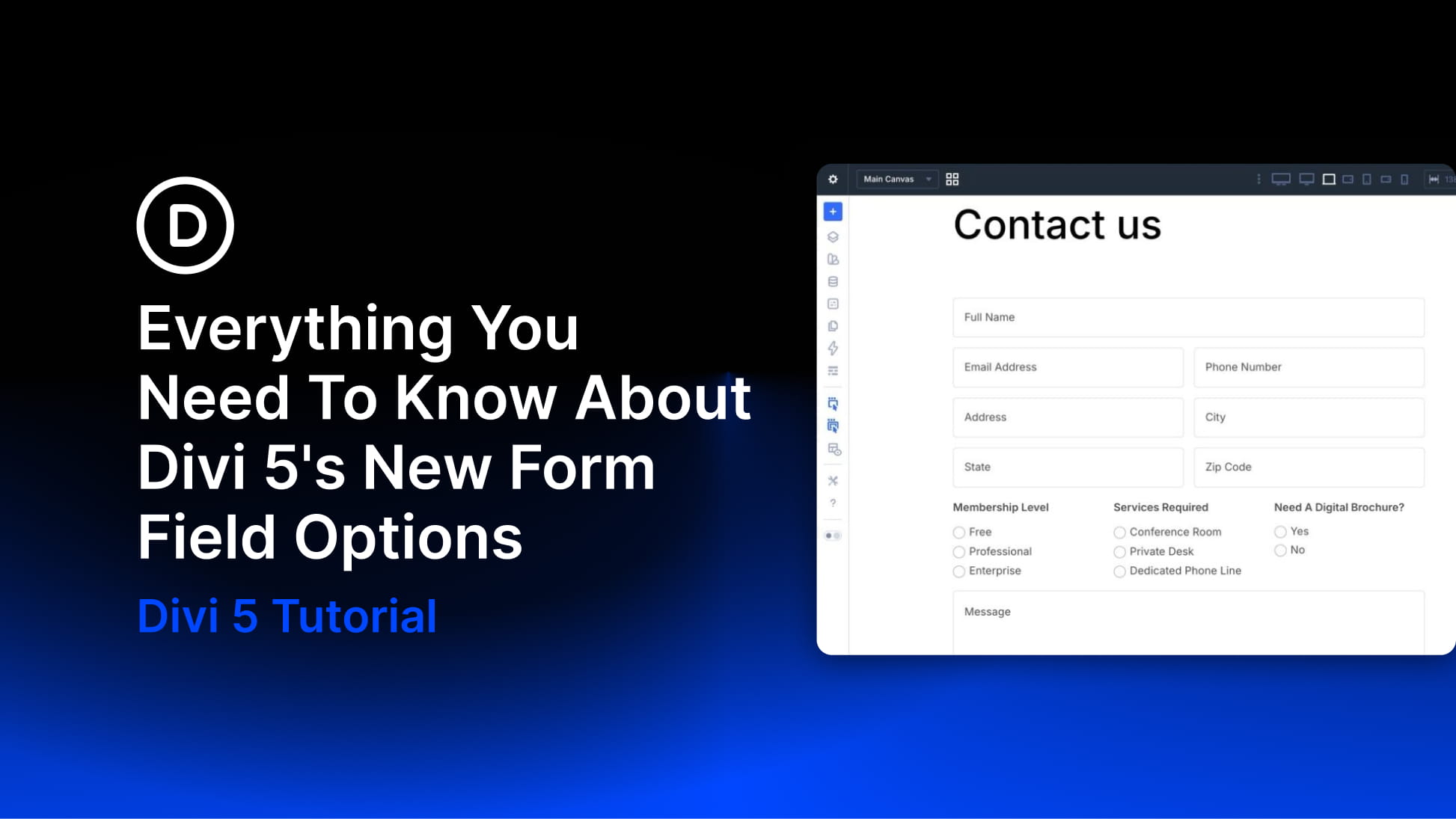
Divi 5 continues to add new design-system features, and this update focuses on form styling. The new form field options introduce dedicated Input, Checkbox, and Radio option groups, new focus and checked editing states, form field presets, and a new Contact Form 7 module.
Together, these updates give you more control over form design directly inside Divi’s Visual Builder. You can style inputs, checkboxes, and radio buttons more consistently, customize labels and placeholders, and edit interactive states such as focus and checked from the module’s Design tab.
Field Presets let you save reusable styles for form field groups, so you can apply the same form design across multiple modules. Meanwhile, the new Contact Form 7 module brings Divi’s form styling options to Contact Form 7 forms, with more integration-based modules planned.
In this post, we’ll break down what’s new, how the features work, and how to use them to build better forms in Divi 5.


