
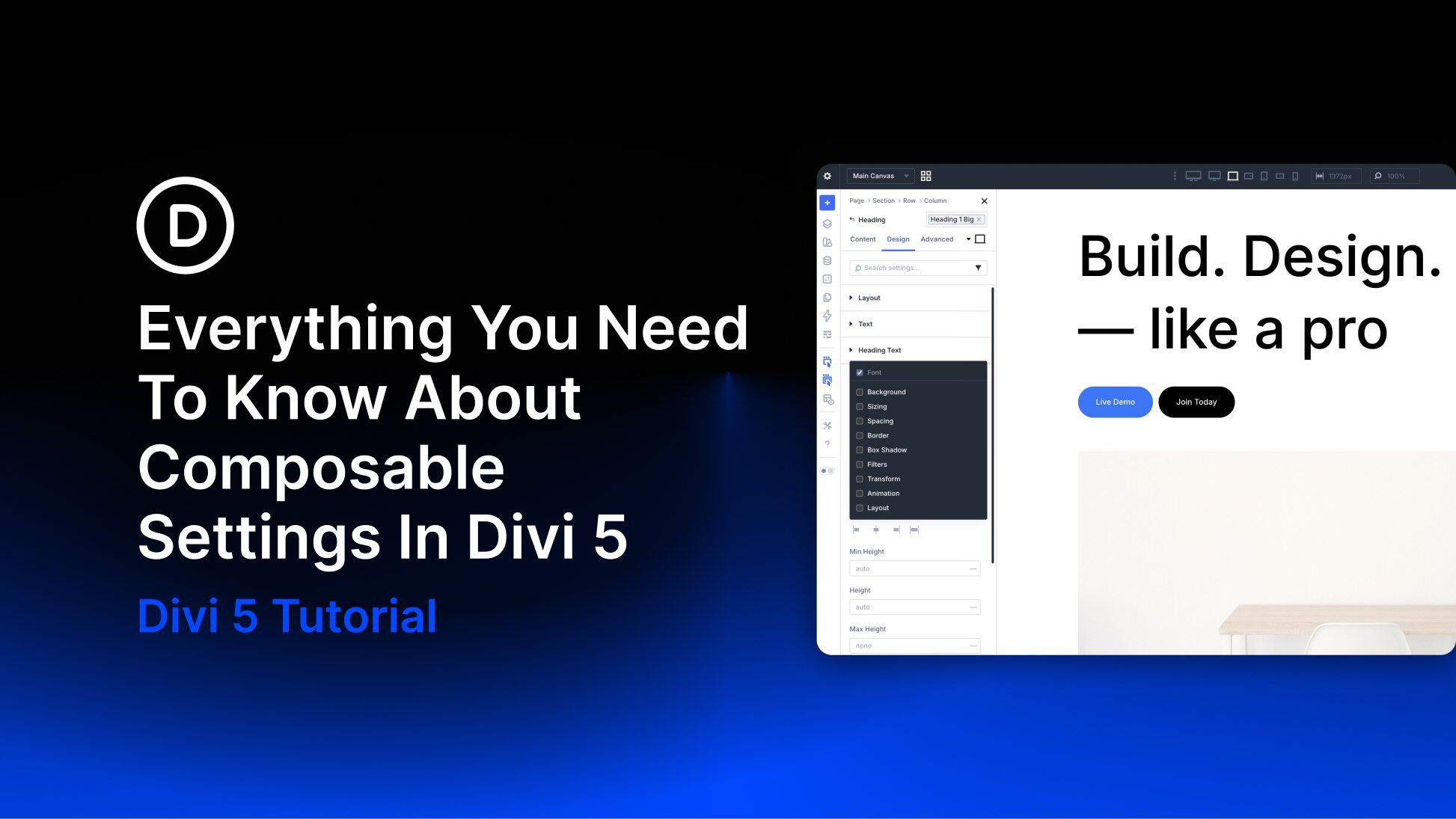
One of Divi 5’s new features is Composable Settings, which lets you enable additional design option groups for module sub-elements directly inside the Visual Builder. Instead of being limited to a fixed set of controls, you can add the settings you need to elements such as titles, buttons, images, icons, and body text without relying on custom CSS for common styling gaps.
In this post, we’ll explain what Composable Settings are, why they matter, how they work, and how to use them more effectively in real projects. We’ll also cover practical use cases and workflow tips so you can build faster while keeping your settings organized.
What Are Composable Settings?
Composable Settings allow you to enable additional design option groups for a module’s sub-elements, such as the title, button, image, icon, or body text inside a module like Blurb or Testimonial. In earlier versions of Divi, each sub-element came with a fixed set of design controls. In Divi 5, you can expand those controls on demand by hovering over a sub-element option group in the Visual Builder and clicking the Toggle Options icon.
After you enable an option group, it appears instantly as a nested settings group inside that sub-element panel. This gives you more control exactly where you need it while keeping the interface cleaner by default.


