An events website needs to answer a few practical questions. What’s happening? When does it start, where is it, and how do I join? For a venue with workshops, performances, and community gatherings, those answers should be easy to find on a phone and fit the rest of the website’s design.
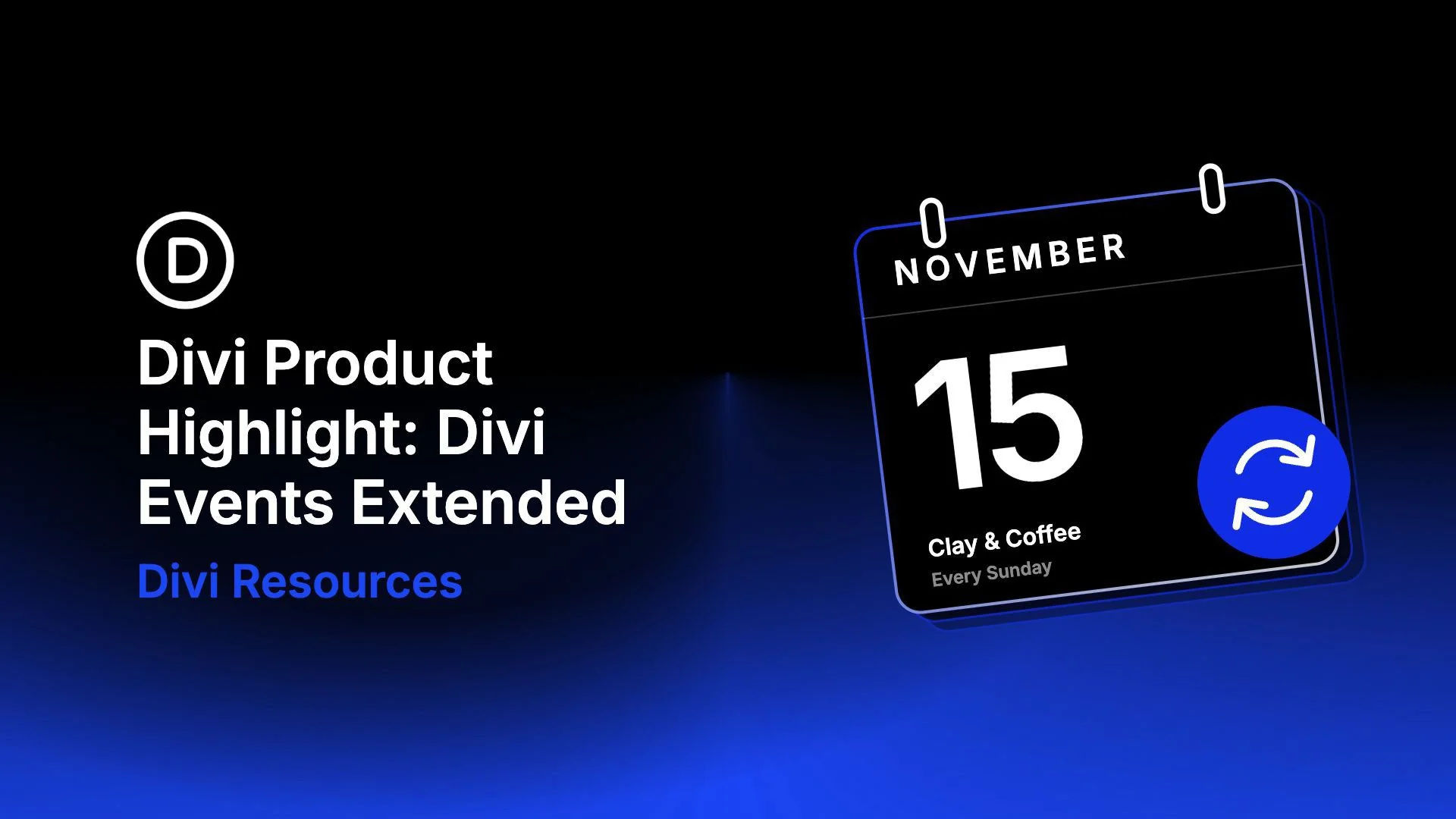
Divi Events Extended brings event listings, calendars, and individual event details into the Divi Builder. Created by Divi Extended, it works with its own event system or reads events already managed in The Events Calendar. You can build the presentation around your content using dedicated Divi modules.
In this product highlight, we’ll explore its eleven modules and supporting tools, then show how they fit together in The Gathering House, a fictional community arts venue. We’ll cover two setup paths: creating events with the built-in system and displaying an existing collection from The Events Calendar.
Overview Of Divi Events Extended
Divi Events Extended connects the information behind an event to the layout visitors see. An event’s date, featured image, venue, organizer, and description become content you can display throughout your Divi website.
You do not need an additional events plugin to use Divi Events Extended. It supports two event sources. DE Events is its built-in system for creating and managing events. The The Events Calendar integration reads existing event records while you continue editing them in that plugin’s interface. Feed and calendar modules let you choose their source, while detail modules can read the event being viewed in a template.