
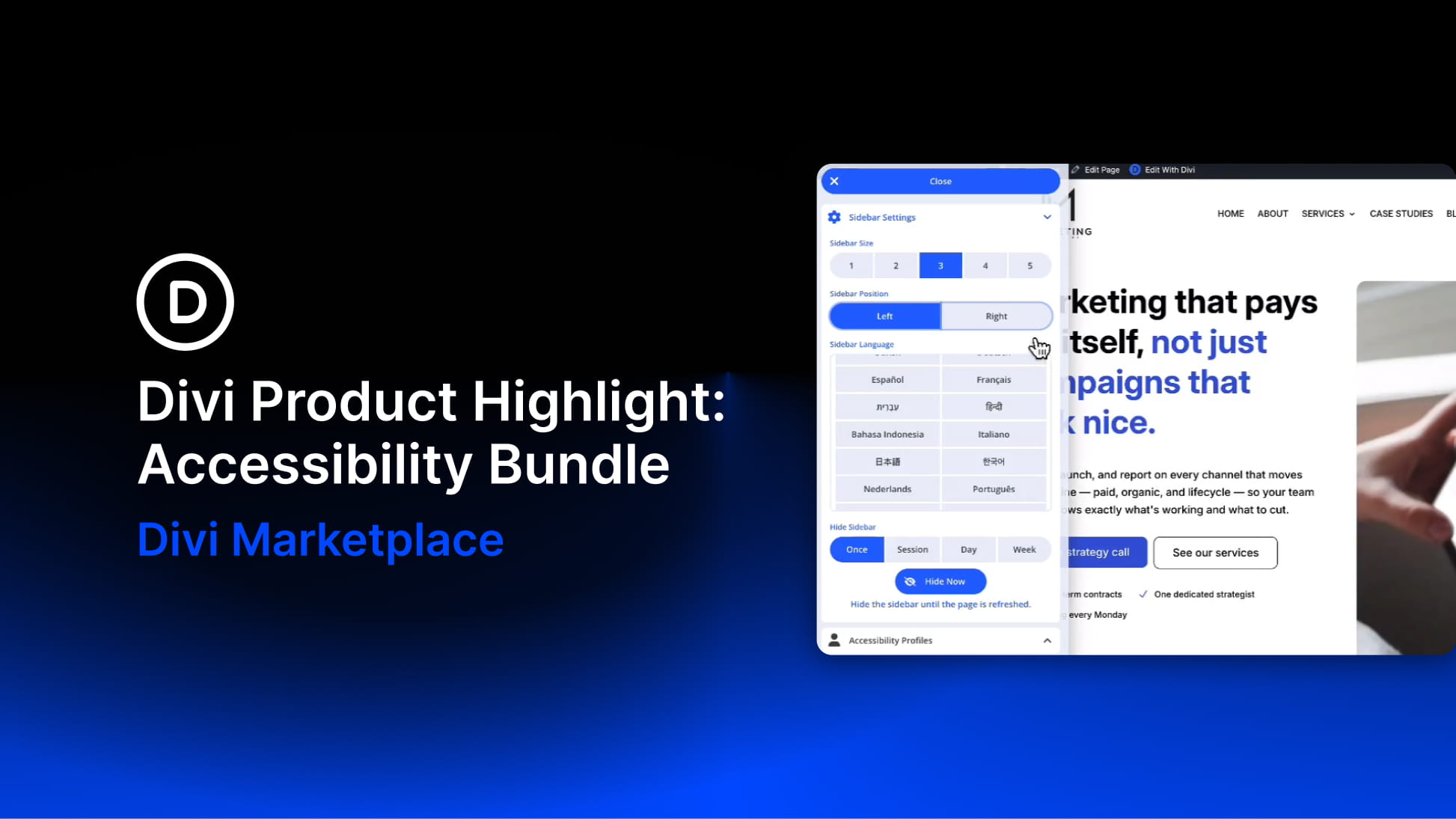
Accessibility is not something you add after a website is finished. It affects how visitors move through a page, understand content, use menus, interact with buttons, read text, and adjust the experience to their own needs.
Divi 5 already gives users more control over accessibility-related details through its Custom Attributes system. You can add attributes such as roles, labels, titles, and ARIA values directly from the builder, which gives Divi users a stronger foundation for semantic structure and assistive technology support.
The Accessibility Bundle from Divi-Modules builds on that foundation with a more complete accessibility workflow for Divi websites. It combines three plugins: Accessibility Attributes, Accessibility Tweaks, and Accessibility Sidebar.
Together, these tools help you add accessibility attributes inside the Visual Builder, apply site-wide improvements for navigation and focus behavior, and give visitors front-end tools to adjust the website experience for themselves.
The bundle is compatible with both Divi 4 and Divi 5, making it useful for existing client sites as well as new builds. At the time of writing, it is available on the Divi Marketplace for $72 with unlimited website usage, 1 year of support and updates, and a 30-day money-back guarantee.
In this product highlight, we’ll walk through each plugin in the bundle, look at the most important settings, and show how the bundle can improve a real Divi page without rebuilding the design from scratch.


