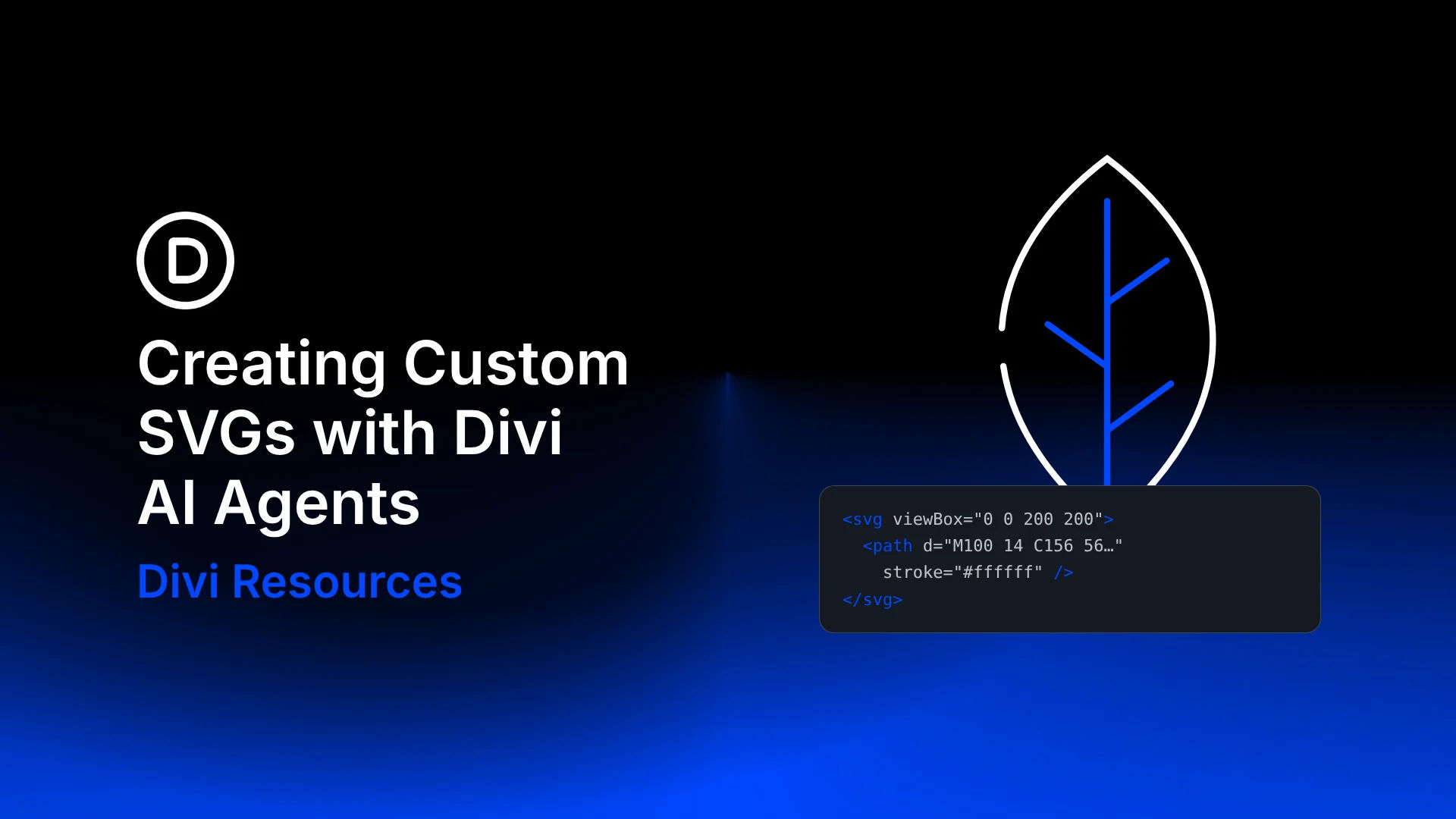
Divi AI Agents can create custom SVG graphics from plain-language instructions. Describe an icon, divider, or badge, specify its style and colors, and ask the agent to add it to your layout as an editable SVG Module.
In this tutorial, we’ll create a decorative leaf, refine it in the same conversation, and cover the prompt details that help preserve your design as you make changes.
What An SVG Is And Why Icons Use It
SVG stands for Scalable Vector Graphics. A JPEG stores an image as a grid of colored pixels. Enlarge it enough, and those pixels become visible. An SVG describes shapes and paths with coordinates, allowing the browser to render vector artwork at different sizes without pixelation.