
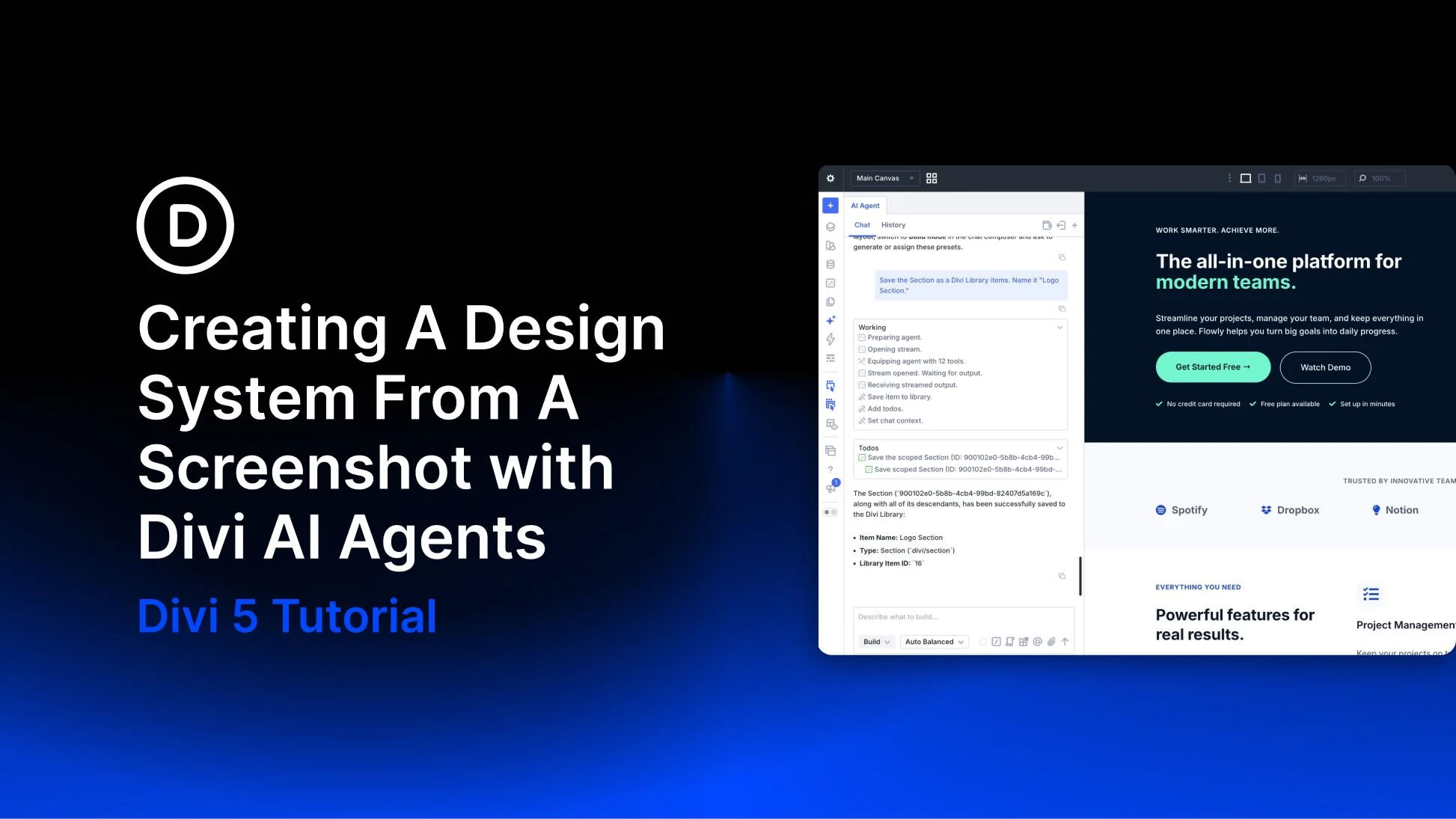
A screenshot gives you a visual direction, but turning it into a reusable website takes more than matching colors and spacing. You need shared values for typography and sizing, plus reusable styles that keep later pages consistent.
With Divi AI Agents in Divi 5, you can use a screenshot to establish those foundations, apply them to a page, and refine the result.
In this tutorial, we’ll generate a sizing scale, use a screenshot to guide our colors and fonts, and turn the finished styles into Variables and Presets.
What A Design System Does For Your Site
A design system gives your site a consistent set of design decisions. Instead of choosing a new heading size, button style, or card radius each time you build a section, you reuse values and styles that already work together.
In Divi 5, Design Variables store individual values, such as colors, font families, and spacing. Option Group Presets and Element Presets store reusable combinations of settings. An Option Group Preset can define a border style; an Element Preset can store the styling of a particular module type.
Updates flow to the elements that reference those Variables or Presets. Creating the system is only part of the work: you also need to apply it and check for local overrides that prevent shared styles from appearing.
Why A Screenshot Makes A Good Starting Point
Design briefs often rely on abstract words like clean, modern, or professional. While helpful in conversation, those words don’t automatically translate into specific hex codes or precise pixel values. That gap is where design inconsistencies begin.
A screenshot makes those relationships visible. You can see how the colors work together and how type sizes relate to the surrounding space. Borders and shadows also have a visual reference to work from.
Choose a reference that shows the relationships you want to reuse. A full section can reveal heading hierarchy, card spacing, and button treatment; a focused crop is useful when you only need one detail. Treat the screenshot as a visual guide. It does not reveal the original CSS, exact font family, or responsive behavior.