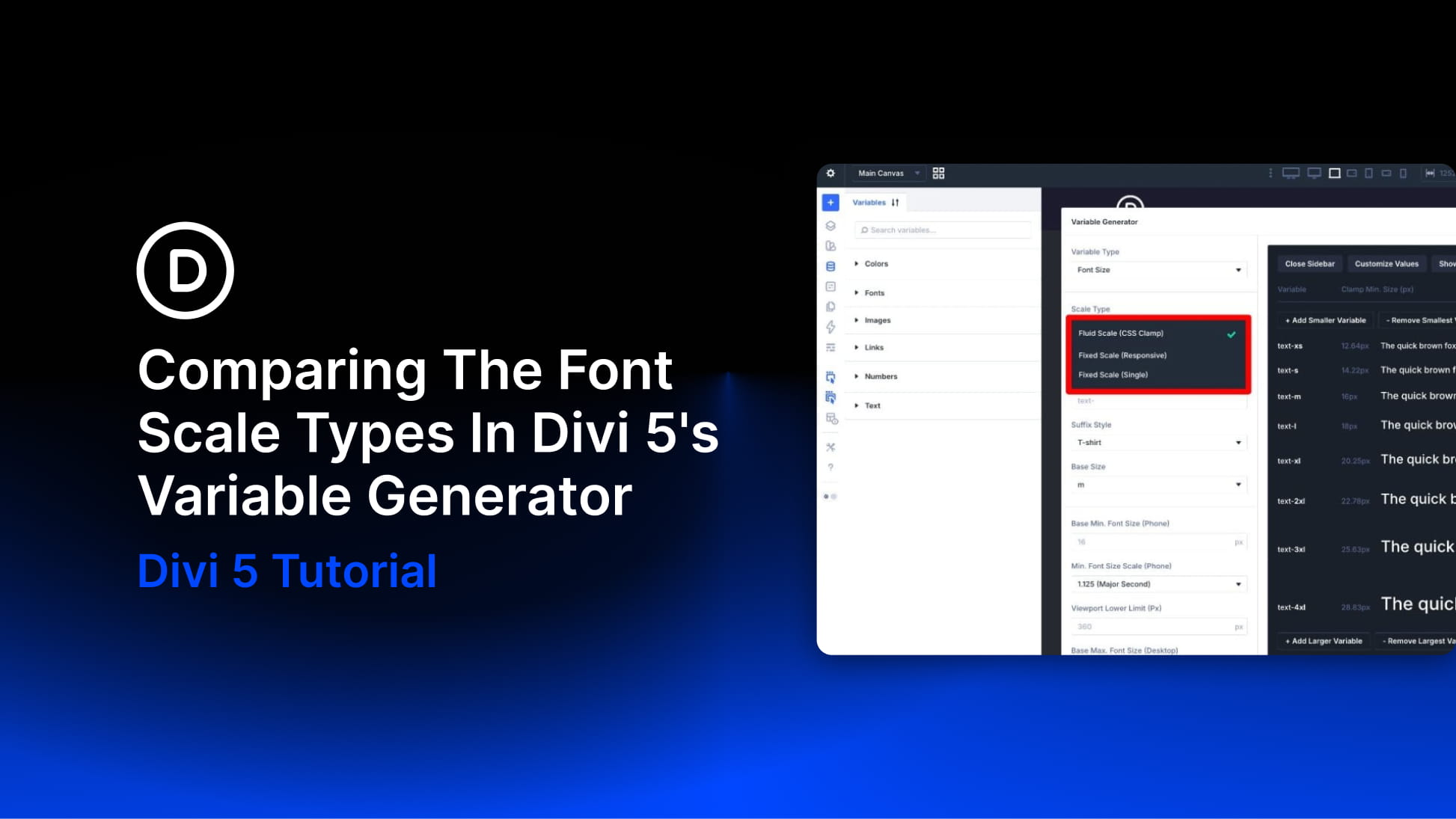
When you generate font size variables in Divi 5, one of the most important choices is the scale type. Fluid, Fixed Responsive, and Fixed Single can all create a usable typography system, but they behave differently once those variables are applied across your site.
The right choice depends on how you want your typography to respond across screen sizes. Do you want text to scale smoothly between viewport widths? Do you want exact values at each breakpoint? Or do you want one fixed scale that stays the same everywhere?
In this post, we’ll compare the three font scale types in Divi 5’s Variable Generator, explain how each one works, and show when to use each option.
What Is The Variable Generator In Divi 5?
The Variable Generator is a tool inside Divi 5’s Variable Manager that helps you create reusable design variables automatically. Instead of building each number variable by hand, you choose a category, configure the scale, preview the output, and add the variables to your site.
For sizing systems, the generator can create number variables for font sizes, spacing, gaps, widths, border radius, border width, and other layout values. Those variables can then be used inside modules, Option Group Presets, Element Presets, and other parts of your Divi 5 design system.