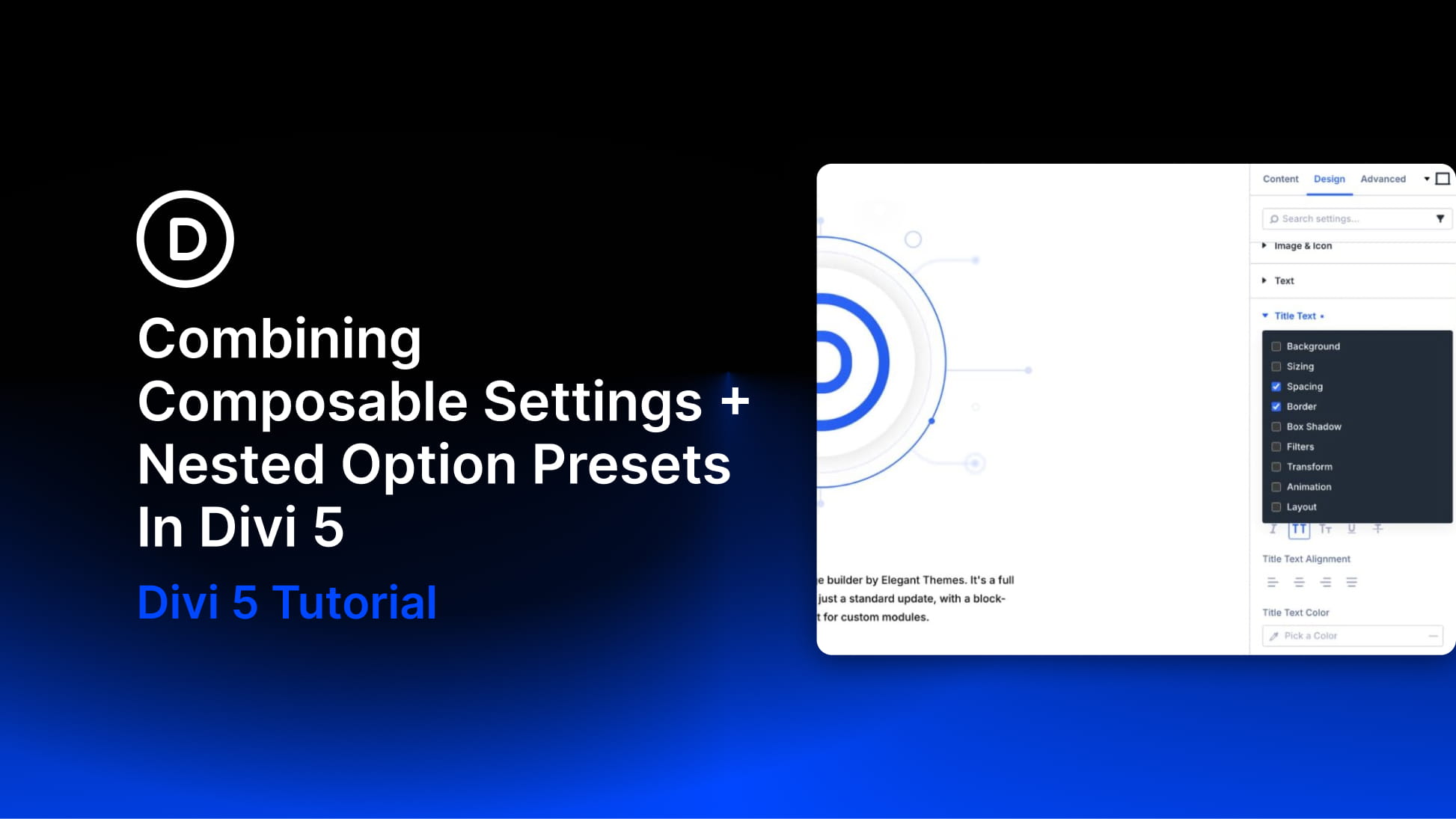
Composable Settings and Nested Option Presets work together to make Divi 5 design systems more flexible and reusable. Composable Settings unlock extra design controls for module sub-elements, such as a Blurb image, Call To Action button, or form field. Nested Option Presets keep those styles connected so they can be reused across modules instead of recreated by hand.
Together, they turn saved styles into a system you can reuse across your site and update from one place when colors, spacing, borders, or other shared design decisions change.
What Are Composable Settings In Divi 5?
Divi modules are built from smaller parts. A Blurb module includes an image, title, and body text. A Call To Action module includes a button. A Testimonial module includes an image, author text, body text, and other sub-elements. In older workflows, each sub-element came with a fixed set of design controls. If a button, image, title, or icon did not include the option group you needed, custom CSS was often the only way forward.
Composable Settings changes that. It lets you enable additional Divi design option groups for module sub-elements, such as Sizing, Spacing, Border, Animation, Transform, Filters, and more. The settings do not appear by default. That keeps the panel clean. When you need more control, hover over a sub-element option group and click the Toggle Options icon.