
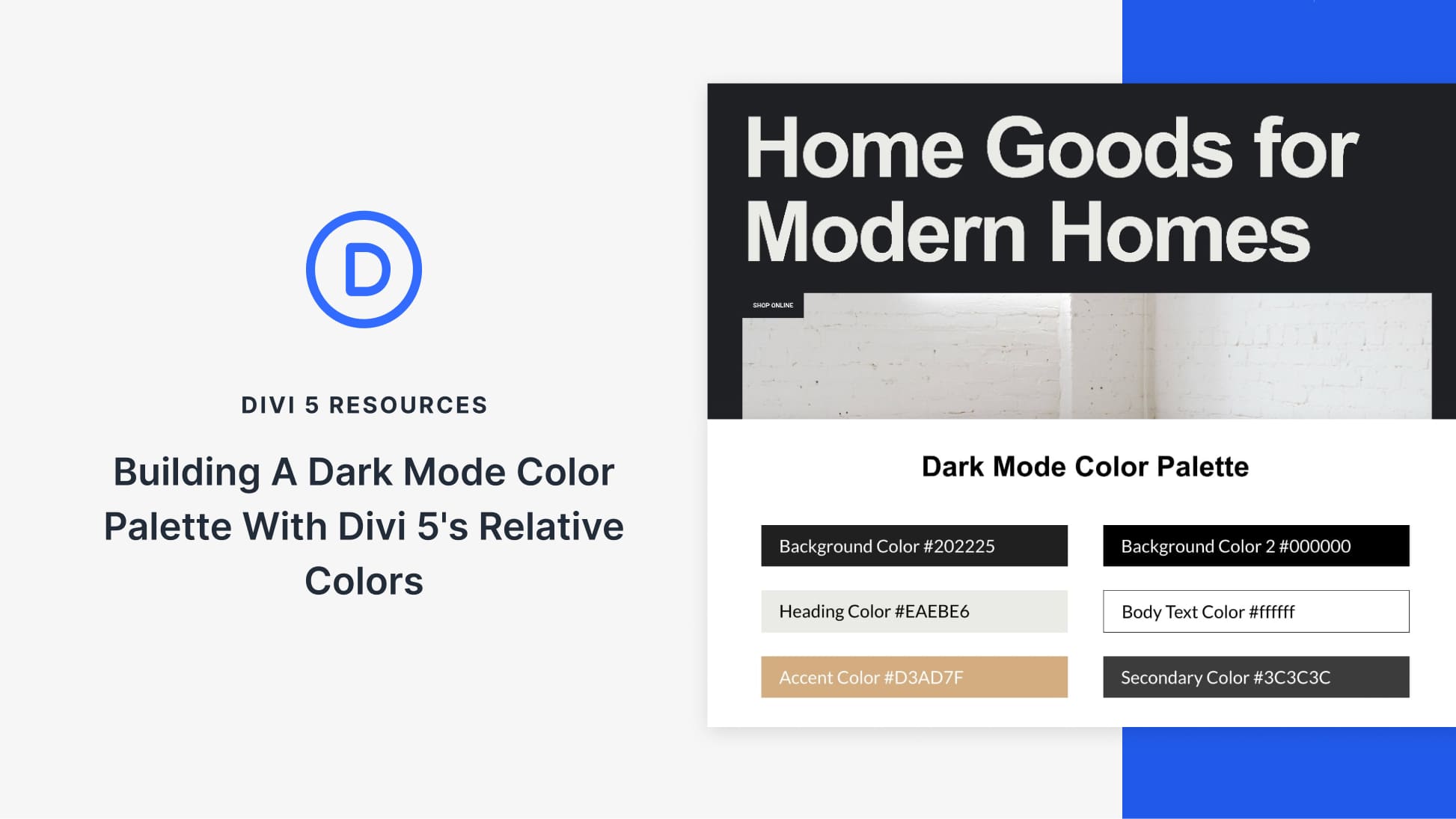
With Divi 5, dark mode doesn’t have to be a fragile set of overrides. You can design light and dark layouts side by side, using the same structure and a shared color system that stays easy to adjust.
We’ll start with a light-mode layout, then build a dark mode palette for it. We’ll build a dark mode version inside a Canvas, and apply the palette using Divi 5’s Color System and Design Variables. At the end, we’ll adjust a few HSL values and watch both layouts update instantly, without touching individual modules.
A Practical System For Building Light & Dark Mode Layouts In Divi 5
Divi 5 makes it easier to manage color decisions at the system level, rather than updating modules one at a time. You can define a small set of rules, apply them consistently, and adjust them later without hunting through a layout.
That approach is especially useful when light and dark modes need to coexist. In this walkthrough, we’ll build a dark mode palette that stays in sync with the light layout and remains easy to refine.
We’ll use three features together to do this.
The Color System For Defining Color Roles
The Color System lets you assign clear roles to your colors. You can define a primary color, a secondary color, heading text, and body text. Once defined, those colors can be applied consistently across modules, sections, buttons, borders, and icons.
What makes this useful is that once a color is set, it can be reused throughout your layout. Update it later, and every element that uses it updates automatically. Your design stays consistent without manual rework.


