
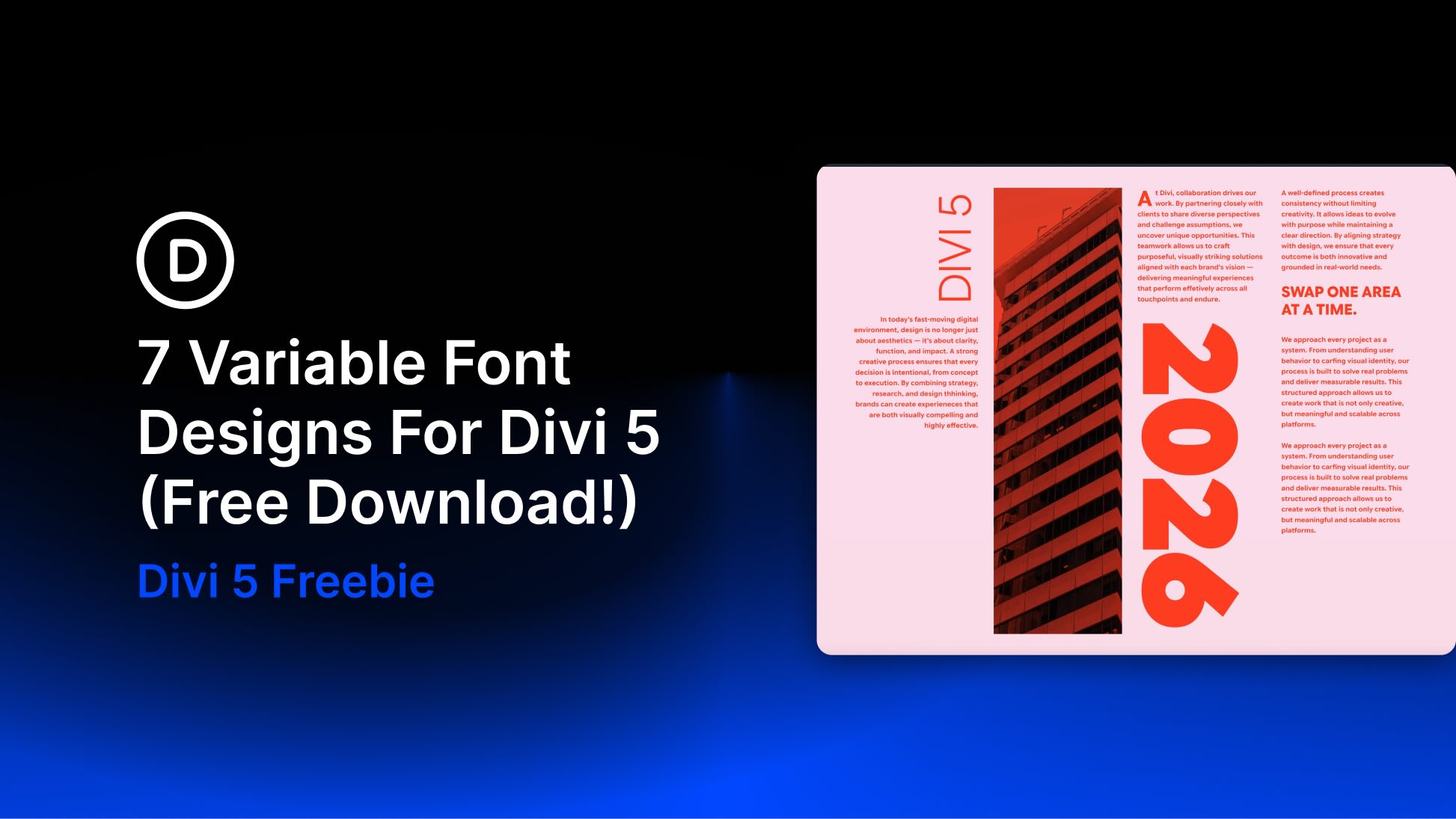
Variable fonts make it possible to fine-tune typography instead of settling for a few fixed styles. Depending on the typeface, you can adjust Weight, Width, Slant, Optical Size, Grade, roundness, and other characteristics along a continuous range.
Divi 5 brings those controls into the Visual Builder for supported Google variable fonts. To help you explore them, we created seven free variable font section designs that you can import into the Divi Library, add to a page, and customize for your own site.
In this post, we’ll explain how variable fonts work in Divi 5, introduce the text styling options that complement them, and show you how to use the downloadable designs.
What Are Variable Fonts?
Traditional font families usually provide a fixed selection of styles, such as Regular, Medium, Bold, and Italic. Each style may be delivered as a separate font file. If the exact weight or style you need is unavailable, you have to choose the closest option or rely on a browser-generated approximation.
Variable fonts work differently. One font file can contain a range of styles controlled through axes. Each axis changes a particular aspect of the typeface. Common examples include Weight, Width, Slant, Italic, Optical Size, and Grade. Some fonts also include custom axes for characteristics such as roundness, shape, or casualness.
This additional range gives you more control over typographic hierarchy and fit. A heading that feels too heavy at 700 could work better at 640. Body text that needs more presence could use 520 instead of jumping to the next fixed weight.
Some fonts also include an Optical Size axis. When supported and enabled, it allows the typeface to adjust its letterforms for different text sizes. Smaller text can become sturdier and easier to read, while display text can gain more detail and contrast.
A variable font can sometimes replace several static font files and reduce the number of font files a design needs. That does not automatically make every variable font setup smaller or faster, however. The result depends on the font file, the axes included, and which static styles it replaces.


