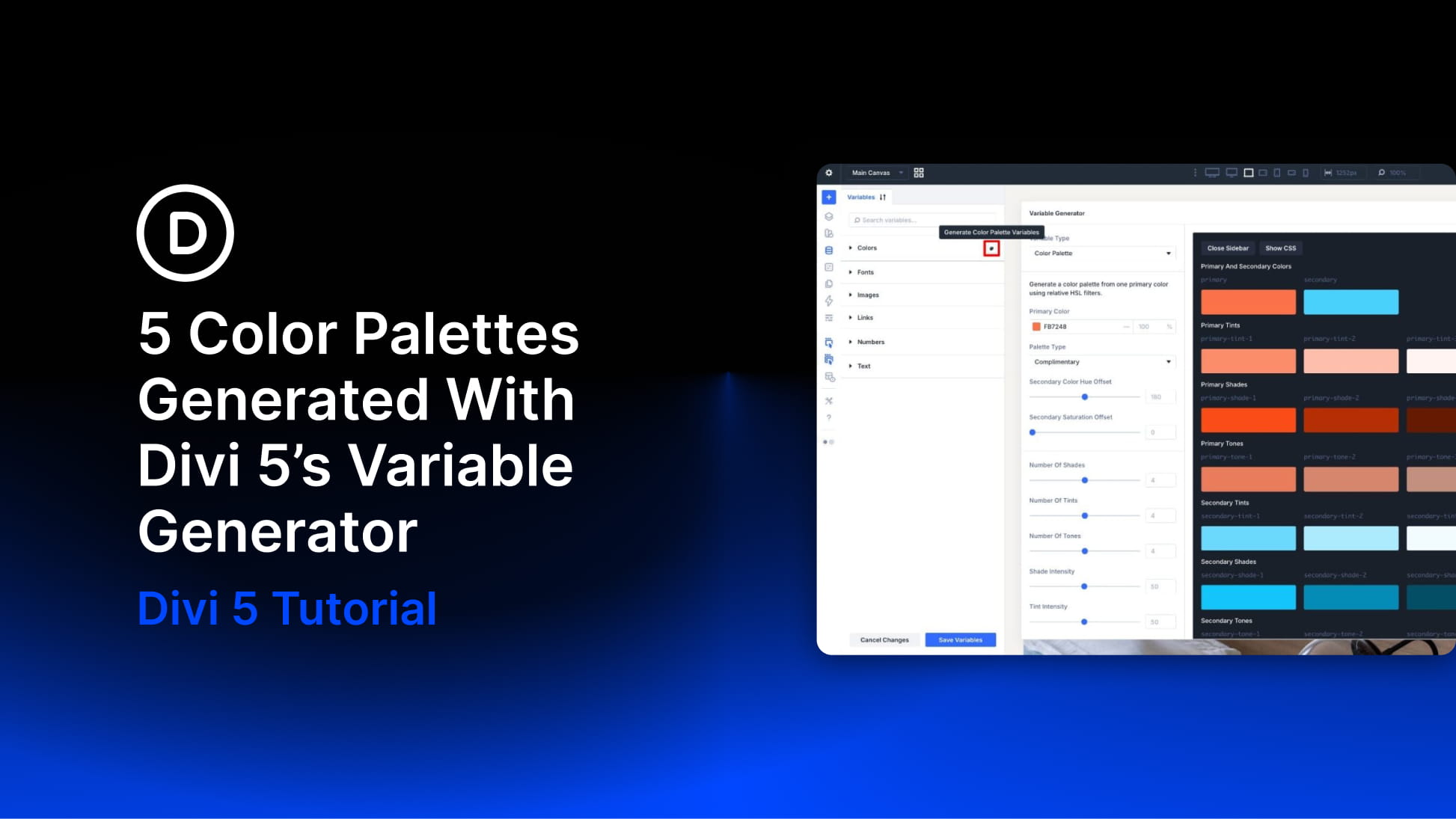
Building a color palette in Divi 5 no longer has to start with a blank canvas or a separate color tool. With the Variable Generator, you can start with one primary color, choose how the rest of the palette should relate to it, and save the result directly to Divi’s Variable Manager.
That matters because the generated colors are not just static swatches. They become reusable color variables you can apply across modules, presets, layouts, and Theme Builder templates. When your design uses those variables, you can update the palette from one place instead of replacing individual color values by hand.
In this post, we’ll look at how Divi 5’s Color Palette Generator works, what the main settings do, and five generated palettes you can use as starting points for your own projects.
What Divi 5’s Variable Generator Does
The Variable Generator lives inside Divi 5’s Variable Manager. It can generate both sizing systems and color palettes, but this post focuses on the color workflow.
For color palettes, you choose a primary color and adjust the generator settings. Divi then creates a connected palette with base colors, tints, shades, tones, and alpha variants. Those colors are added to the Colors group in the Variable Manager so you can reuse them throughout the builder.