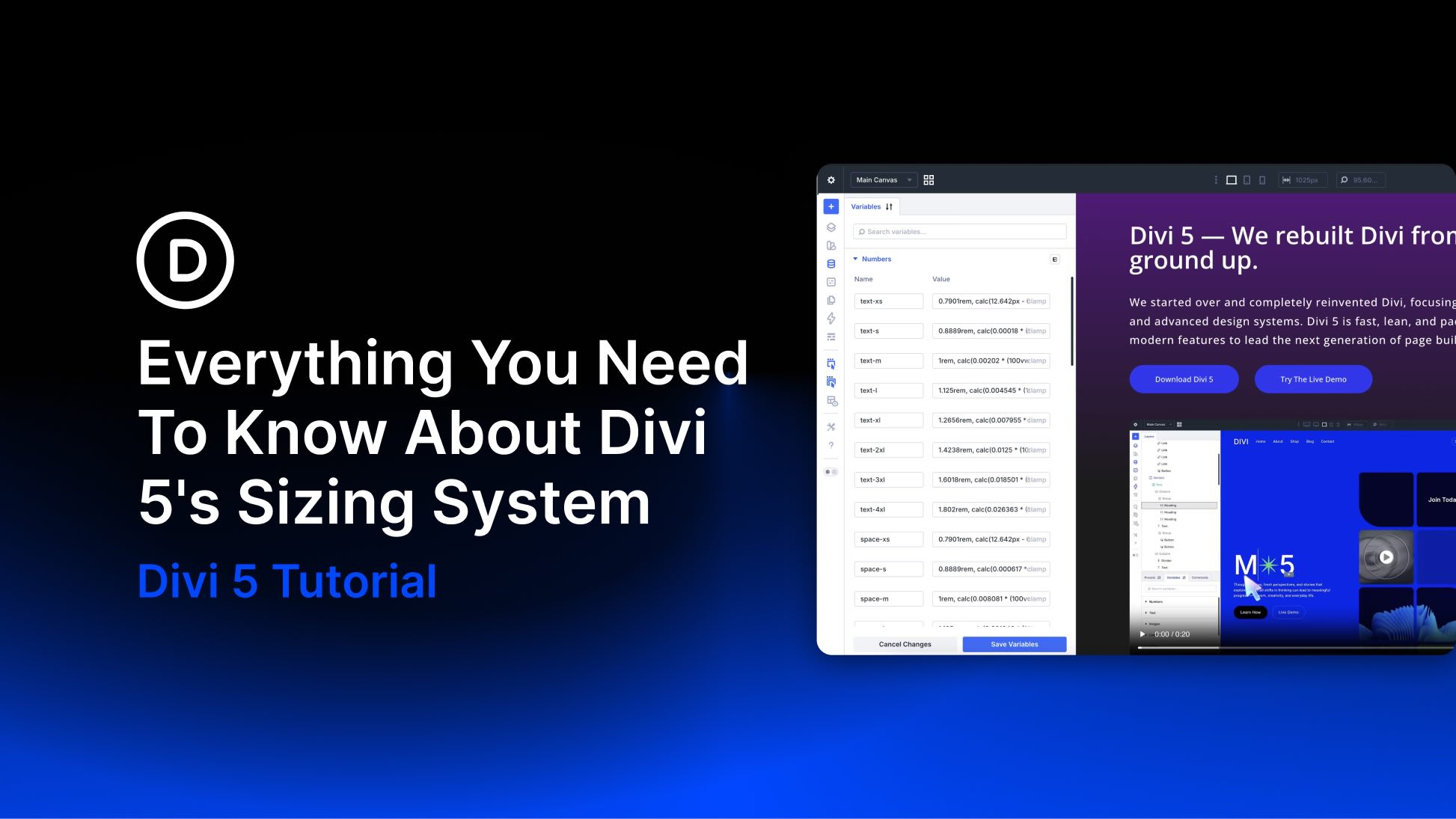
Divi 5 gives designers a more systematic way to build responsive websites. Instead of manually adjusting the same padding, font size, gap, or border radius across desktop, tablet, and phone views, you can define reusable sizing variables once and apply them throughout your site.
The new Variable Generator makes that process faster. It can generate a complete fluid sizing system with clamp()-based variables for typography, spacing, gaps, widths, border radius, border widths, and more. When combined with Presets, those variables become the foundation for a consistent, scalable design system across your entire website.
In this post, we’ll walk through how Divi 5’s sizing system works, how to generate fluid variables, when to customize them, and how to apply them across your site.
What Is Divi 5’s Sizing System?
Divi 5’s sizing system is built on Design Variables, reusable values that you create once and use anywhere across your website. While Design Variables can store many types of values, including colors, fonts, images, links, numbers, and text, this post focuses on number-based variables that control your site’s visual scale.
That includes font sizes, spacing, gaps, widths, border widths, border radius, and other numerical values that shape the layout and rhythm of your design.