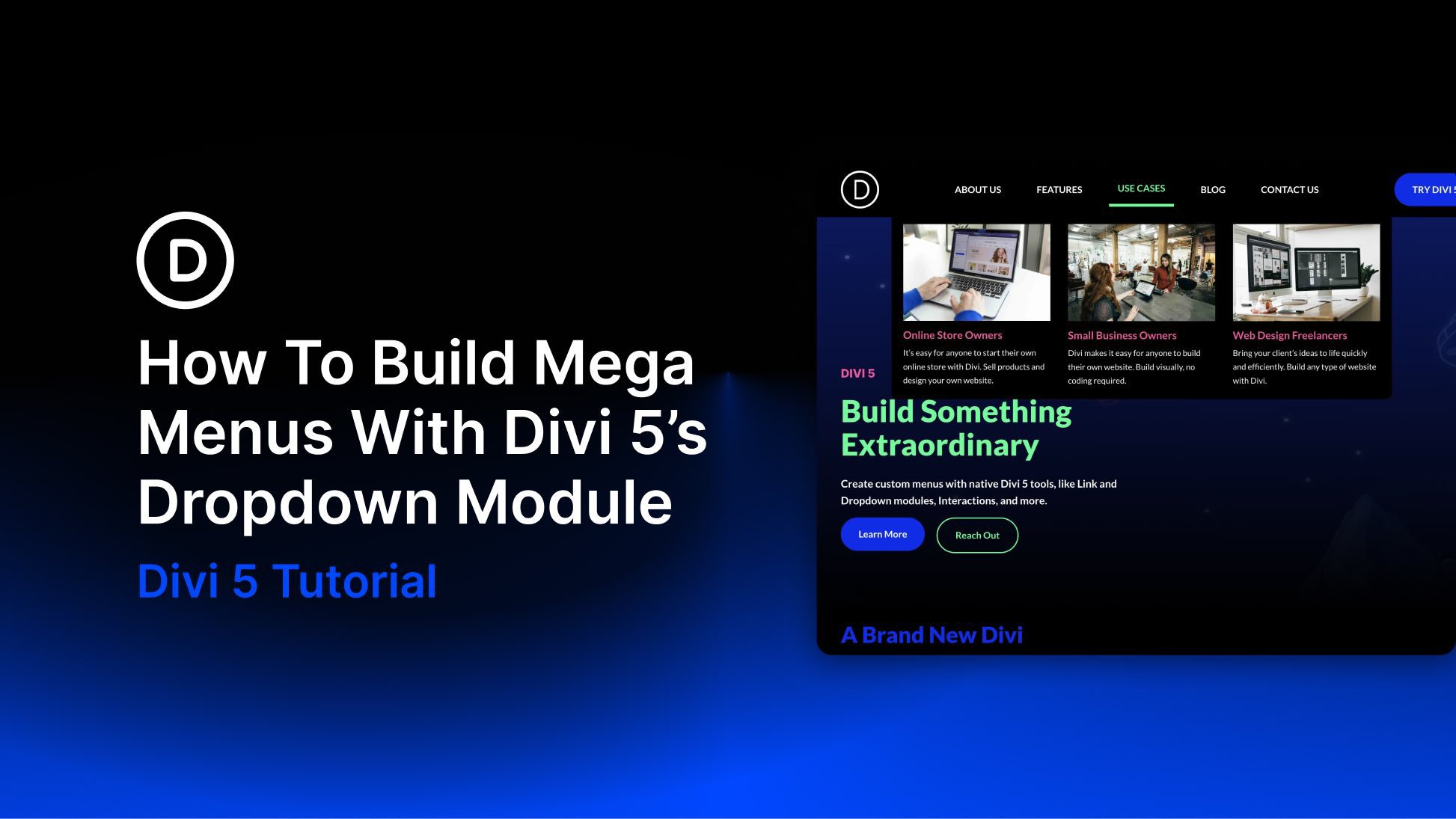
Divi 5 gives you a much more flexible way to build navigation than older Divi workflows. With the Link and Dropdown modules, plus features like Canvases, the Loop Builder, Interactions, and visibility settings, you can create custom dropdowns and mega menus directly inside Divi without relying on third-party plugins or custom code.
In this post, we’ll walk through a step-by-step approach to building a custom mega menu in Divi 5, including a separate mobile version.
What Is The Dropdown Module?
The Dropdown module in Divi 5 is a dedicated container for building dropdown menus and mega menus. When you place a Dropdown module inside a parent element, such as a Link module, Divi connects the dropdown’s behavior to that parent element. That means the Dropdown module can work as part of a navigation item instead of feeling like a separate floating layout.