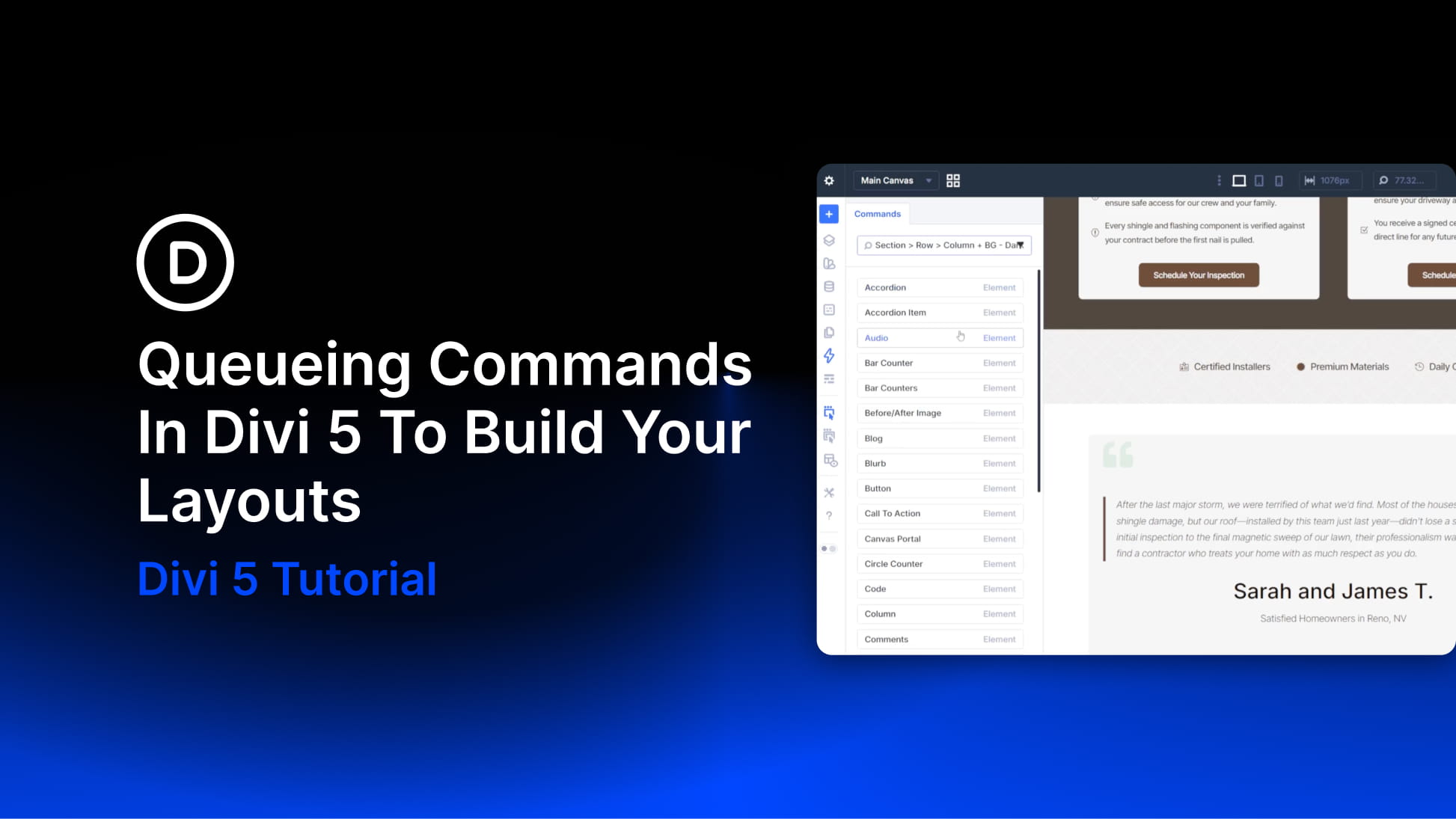
Building a new section on a site with an established design system is where Divi 5‘s Command Center becomes especially useful. On a site without presets, creating a new section usually means two separate tasks. First, you build the structure. Then you open the settings panel and apply the design choices manually.
On a site with a well-defined design system, many of those decisions are already saved as presets. The Command Center’s queueing system lets you build the structure and attach presets as you go. You can do it all from the keyboard. Instead of creating each element and assigning presets one by one, you can queue the entire section and run it in a single pass.
In this tutorial, we’ll add a dark CTA section to the bottom of a homepage. It will use a centered single-column layout with a heading, supporting text, and a button. The section will use existing presets and be built using a single command queue.