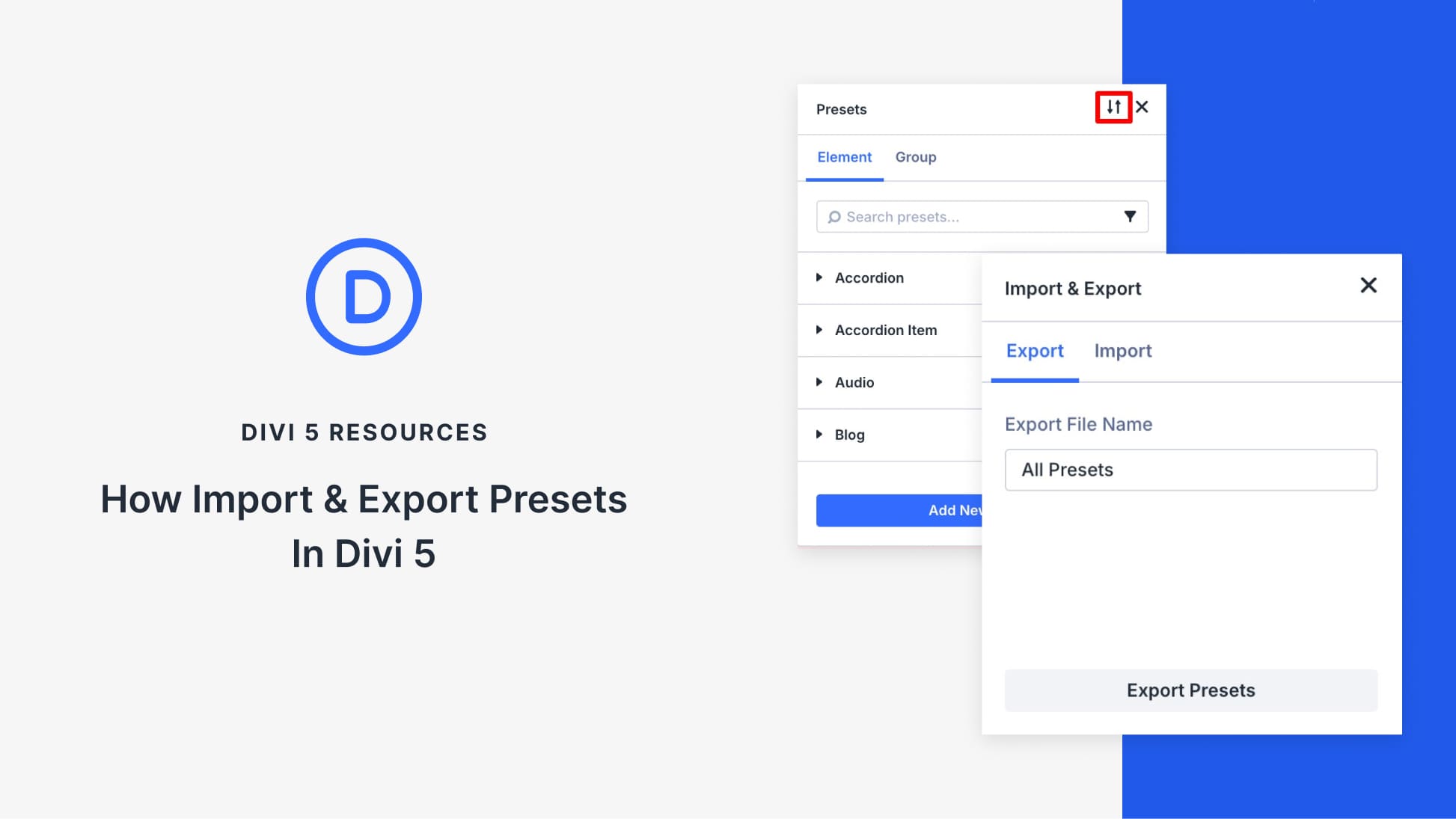
Presets are how you stop rebuilding the same design choices over and over in Divi 5. Once you’ve defined your buttons, text styles, or card layouts, the real advantage is being able to move those decisions into new projects instead of starting from zero.
Divi 5 lets you export presets and import them into another site, so your preset library can travel with you. In this post, we’ll export a set of presets, import them into a new project, and look at what transfers cleanly, and what still depends on the setup of the receiving site.
What Are Presets In Divi 5?
Presets in Divi 5 are saved style settings you can reuse on multiple elements. You create a preset once and apply it multiple times, so you don’t have to style the same thing from scratch again. When you update a preset, every module using it updates too. And since presets are organized by module and option group, a Button preset affects only Button Modules, and a text-related preset affects text-based styling options.