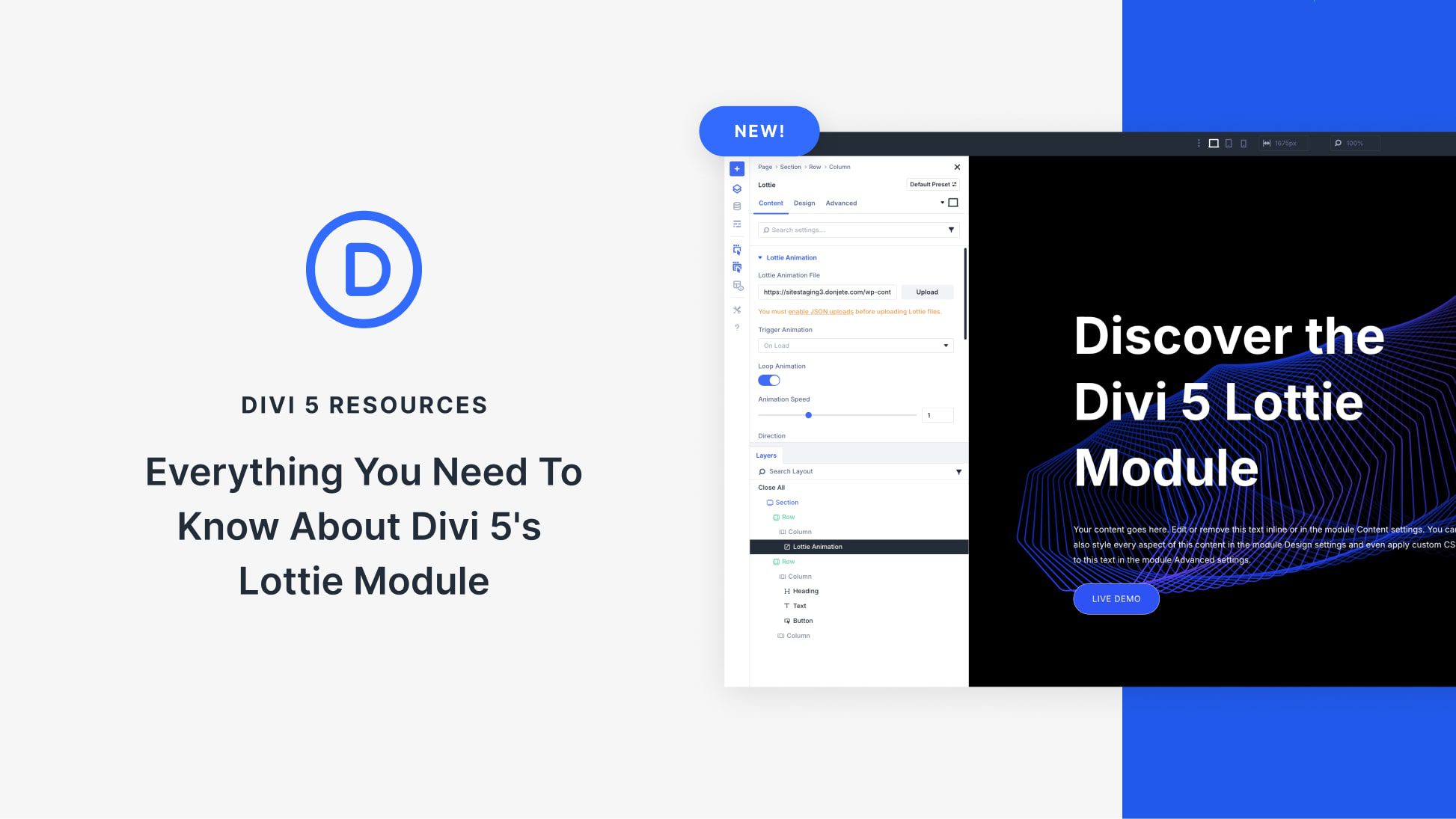
Divi 5’s Lottie Module brings dynamic, lightweight animations to your pages, making your pages more engaging and interactive. The right visuals are key to grabbing attention and keeping visitors engaged. With the Lottie Module, Divi 5 allows you to add professional-looking animations that are also performance-friendly.
In this post, we’ll explain everything you need to know about the Lottie Module, including its features, setup process, customization options, and ways to use it. Let’s jump in!
What Are Lottie Files?
Lottie animations are lightweight, JSON-based graphics that render as scalable vectors. They deliver scalable visuals without the hefty file sizes of videos or GIFs. Thanks to its ability to combine performance with flexibility, Lottie has gained in popularity, making it popular for modern web design. Unlike traditional animations, Lottie files use vector-based JSON data, ensuring crisp visuals and smooth playback across all devices and screen sizes.