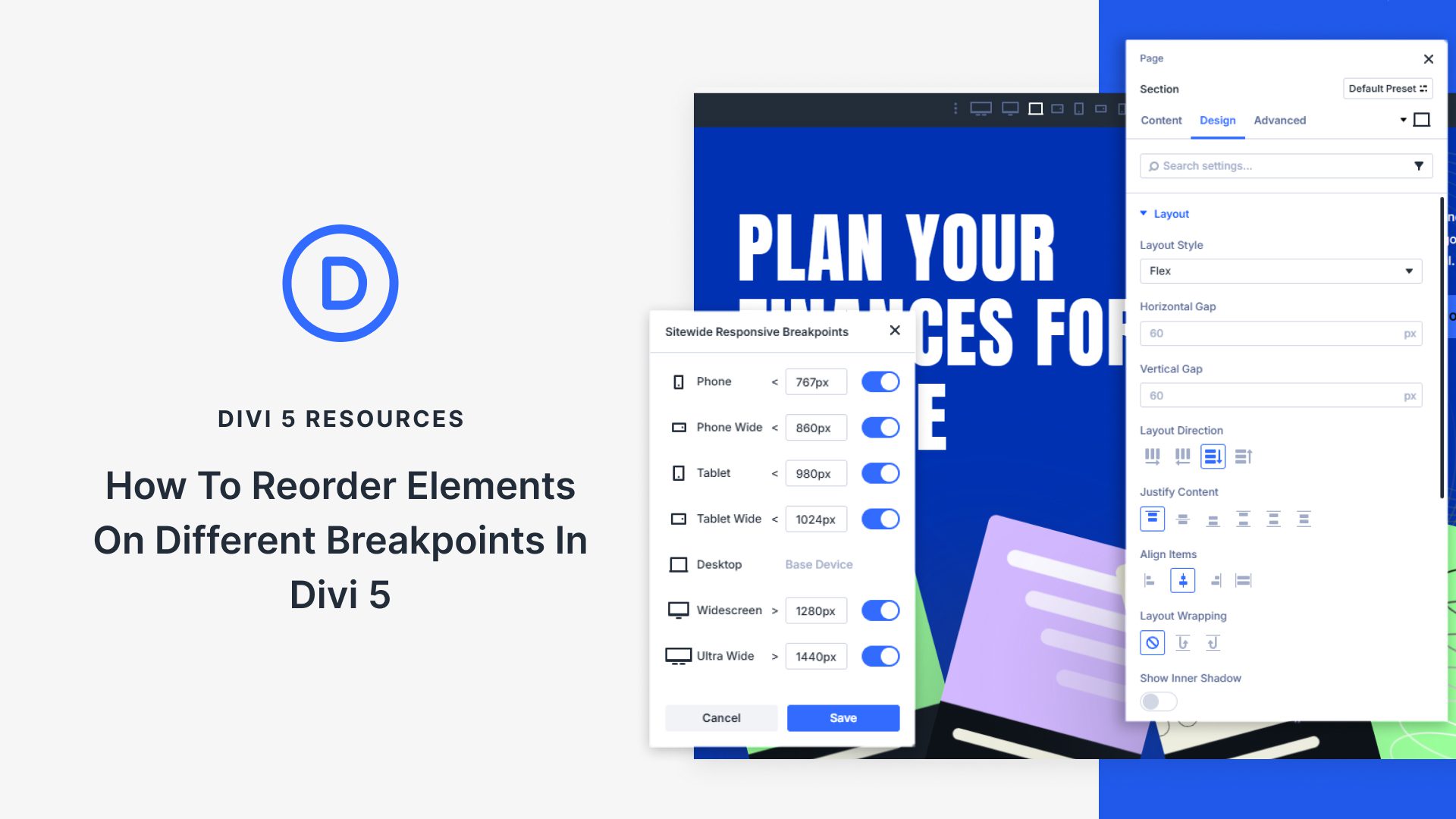
Responsive design requires more than scaling layouts, it also requires controlling how content stacks across devices. A design that feels structured on desktop can be a confusing order on mobile, with sidebars or secondary elements pushing key content out of view. Divi 5 addresses this with its new Flexbox system, which introduces prebuilt responsive column structures and precise ordering controls.
In this post, we’ll look at why reordering elements matters, how Divi 5’s flexbox tools make it simple, and walk through the steps to restructure layouts at different breakpoints.